A movie night is a great way to spend quality time with family and friends. You don’t necessarily need the latest blockbuster, expensive snacks or a large TV to create an enjoyable experience. A little planning can make the evening comfortable and entertaining for everyone.
However, choosing a movie can sometimes be challenging. One person might prefer an action-packed film, another may enjoy comedy, while someone else might prefer animated movies. Similarly, some people enjoy surround sound and a dark room, whereas others prefer softer lighting, clear dialogue and plenty of snacks.
The key is to consider everyone’s preferences and create an environment where everyone feels comfortable.
In this guide, we’ll cover how to choose a movie everyone will enjoy, arrange comfortable seating, improve your viewing experience, prepare snacks and make your home cinema more inviting.
1. Ensure Everyone Can Choose the Movie

One of the biggest challenges when planning a movie night is deciding what to watch.
Everyone has different preferences. Some people enjoy suspense and action, others prefer light-hearted comedy, while younger viewers may enjoy animated movies.
Rather than spending half an hour scrolling through streaming services, keep the selection process simple.
Vote for Three Movies
Ask everyone to suggest a movie they would like to watch. Narrow the suggestions down to three suitable options and let everyone vote.
This gives everyone an opportunity to participate without spending too much time discussing what to watch.
Alternatively, consider these options:
- Take it in turns: Allow everyone to choose a movie on alternate movie nights.
- Choose a theme: Select a genre such as comedy, animation, mystery or adventure.
- Use a suggestion jar: Write movie suggestions on pieces of paper and randomly pick one.
- Let the host decide: The host selects three suitable movies and allows everyone to vote.
Think About Movie Ratings and Content
Not every popular movie will be suitable for every audience.
Before finalising your choice, consider:
- Age ratings and potentially disturbing content.
- Movie length and everyone’s attention span.
- Language and subtitle availability.
- Whether everyone enjoys the selected genre.
- Whether the movie is available through a streaming service you already subscribe to.
If you’re watching with children, resources such as Common Sense Media can help parents understand whether a movie is suitable for different age groups.
The aim is to choose something that most people can comfortably enjoy.
2. Make the Room Comfortable Before Thinking About Expensive Equipment
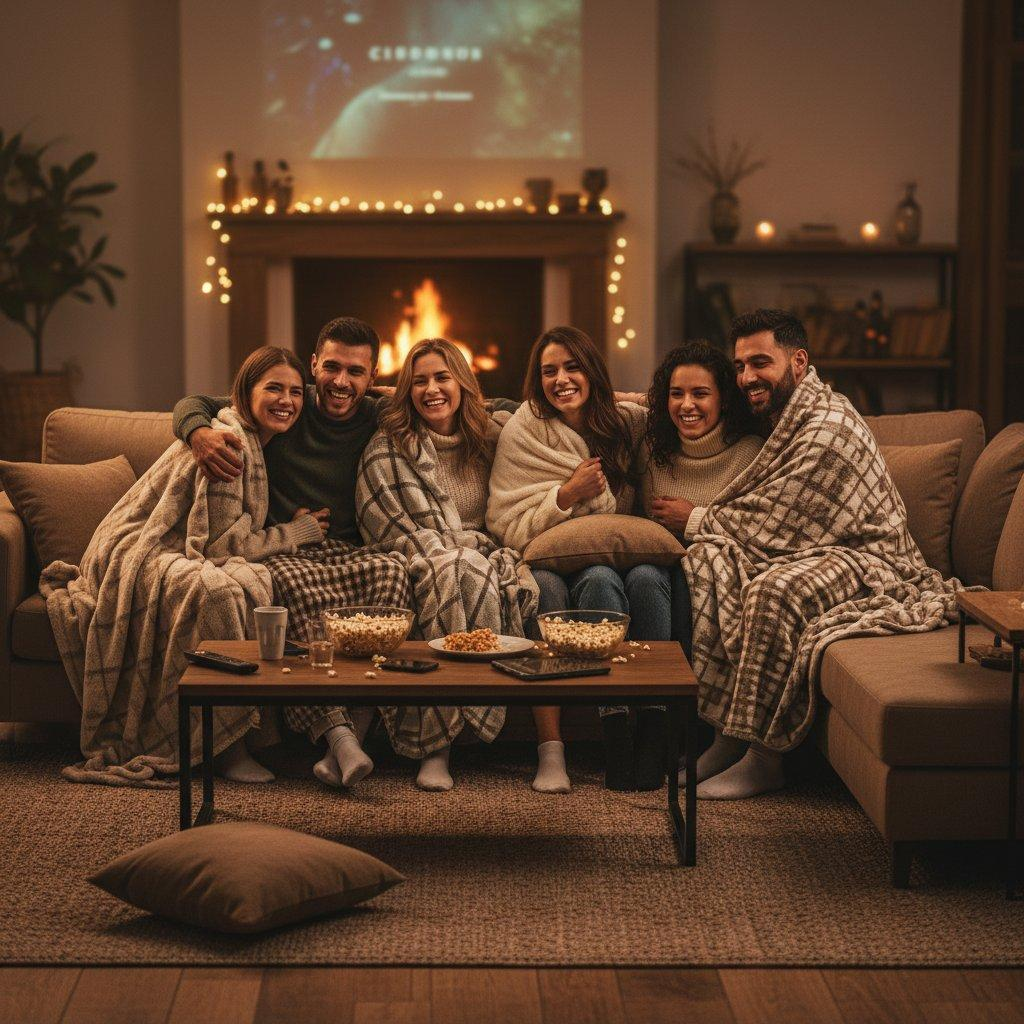
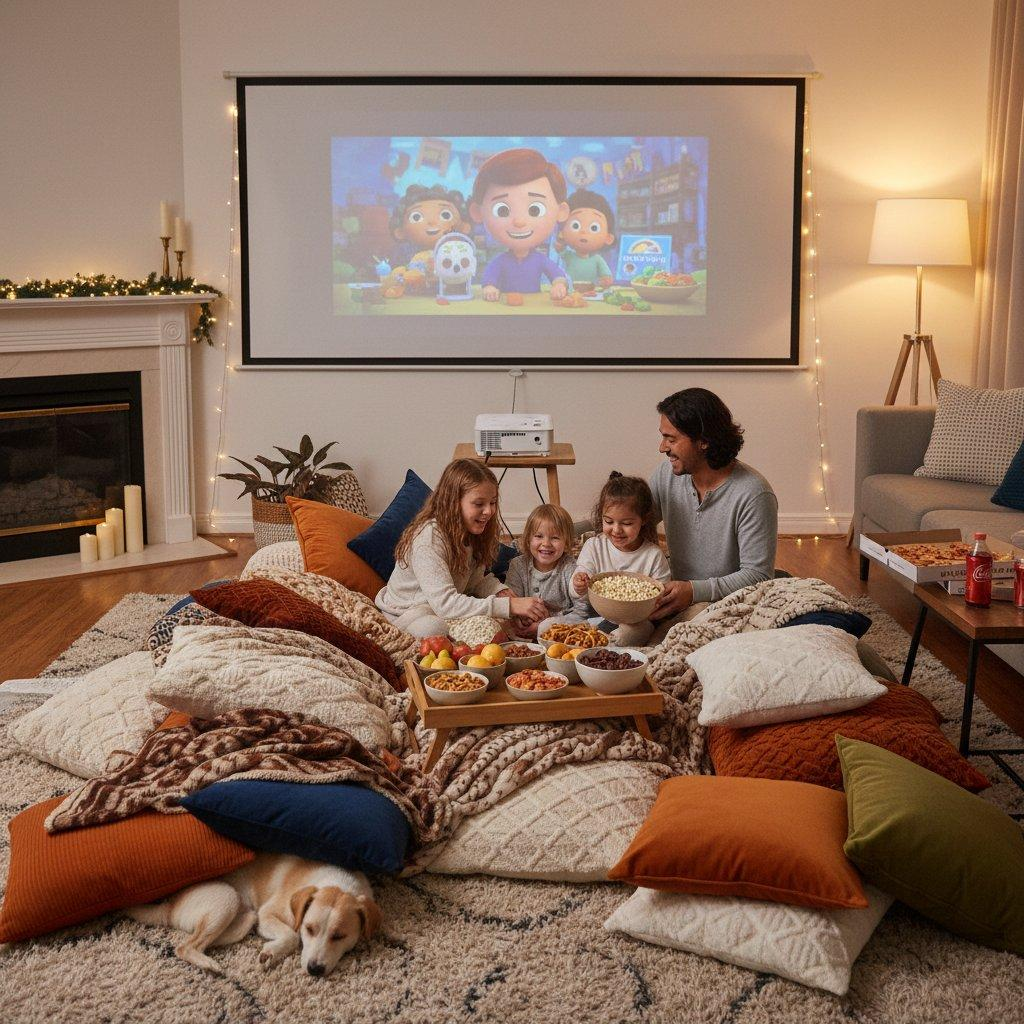

A great movie night depends on more than the movie itself.
Uncomfortable seating, screen glare and poor viewing angles can quickly affect the experience. Fortunately, you can improve most living rooms without purchasing new furniture.
Ensure Everyone Can See the Screen
Start by arranging your main sofa and adding extra chairs or cushions where necessary.
If you’re hosting a larger group:
- Position the main seating directly in front of the TV.
- Add extra chairs to either side.
- Avoid placing tall furniture in front of the screen.
- Make sure children can see the screen comfortably.
- Leave enough space for everyone to move around.
If someone has to twist their body or lean forward to see the screen, adjust the seating arrangement.
Keep Blankets and Cushions Available
Temperature can make a difference during a long movie.
Some guests may prefer a cooler room, while others might want additional warmth.
Keep a few blankets and cushions available so everyone can make themselves comfortable.
Avoid Making the Room Too Dark
Although a dark room can help reduce screen glare, you don’t necessarily need complete darkness.
Consider:
- Using a dim light positioned away from the TV.
- Closing curtains or blinds to prevent outside light from reflecting on the screen.
- Keeping enough lighting for people to move around safely.
The aim is to reduce glare without making the room uncomfortable.
3. Ensure Everyone Can Hear the Dialogue

Audio is one of the most overlooked aspects of planning a movie night.
An impressive action sequence, dramatic soundtrack and detailed sound effects won’t help if people cannot understand what the characters are saying.
Before your guests arrive, play a short scene from the movie and check the audio.
Make sure:
- Dialogue is easy to understand.
- Background music isn’t overpowering.
- Sudden sound effects aren’t excessively loud.
- The volume is suitable for people sitting furthest from the TV.
Many televisions include audio settings such as Standard, Cinema, Movie and Dialogue Enhancement. Experiment with these settings to find a comfortable option.
Consider Using a Soundbar
A soundbar can provide a more immersive audio experience compared with many built-in TV speakers.
However, you don’t necessarily need an expensive surround sound system. A compact soundbar may be sufficient for an average living room.
When choosing a soundbar, consider:
- Clear dialogue reproduction.
- Adjustable bass levels.
- Dialogue enhancement or voice mode.
- HDMI ARC/eARC connectivity.
- Easy volume control using a remote.
Excessive bass can be distracting in shared spaces, particularly in apartments where low-frequency sounds may disturb neighbours.
Enable Subtitles
Subtitles can be useful even when everyone can hear the television.
They help viewers follow unfamiliar accents, quieter dialogue and complicated conversations. They can also make it easier to enjoy a movie at a lower volume.
Check whether subtitles are available and adjust their size if necessary.
4. Prepare Easy Snacks
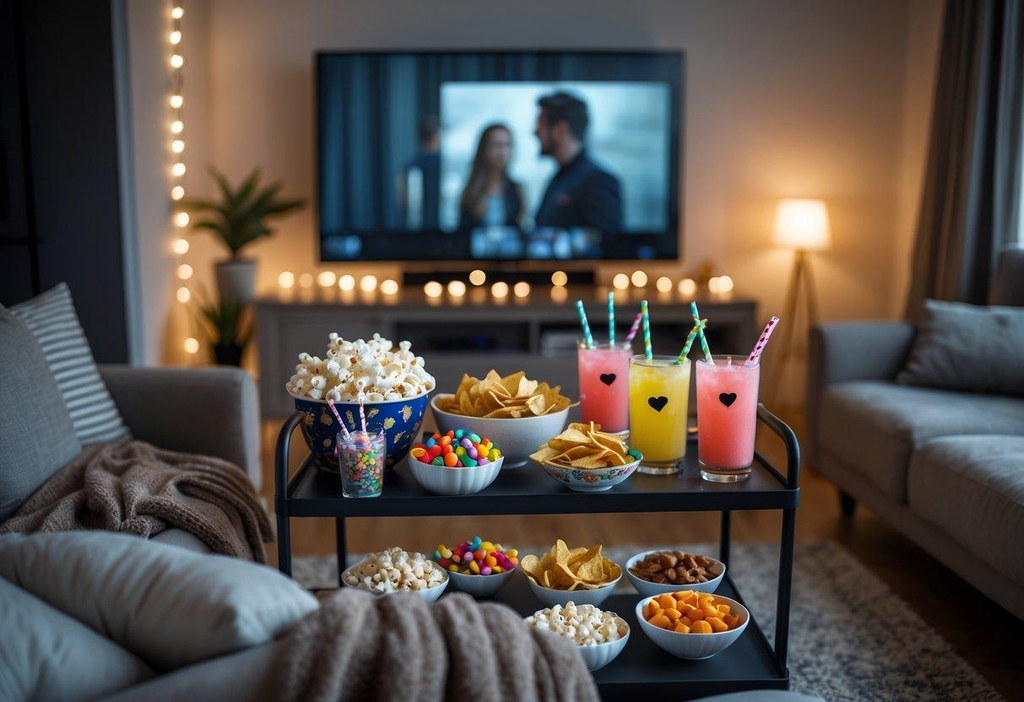
Snacks are an important part of the movie night experience, but they don’t need to be complicated.
You don’t have to recreate an entire cinema snack bar. A few classic options are usually enough.
Create a Simple Snack Bar
Set up a small table with different snacks and drinks so everyone can help themselves.
| Category | Snack Suggestions |
|---|---|
| Classic | Buttered popcorn and pretzels |
| Sweet | Chocolate, cookies and candy |
| Savoury | Chips, crackers and nachos |
| Healthy | Fruit, nuts and vegetable sticks |
| Drinks | Water, juice and soda |
Try to offer a balance of sweet and savoury options.
Remember to consider food allergies and dietary requirements. Keep ingredient labels and packaging available so guests can make informed choices.
Make popcorn the centerpiece

Popcorn is one of the easiest ways to create a cinema-style atmosphere at home.
You can prepare it using:
- Microwave popcorn bags.
- A stovetop popcorn maker.
- An electric air popper.
- A regular pan with a lid.
For additional variety, offer separate toppings such as melted butter, salt, cinnamon sugar and grated cheese.
Keeping toppings separate allows everyone to customise their popcorn.
Prepare Snacks in Advance
Try to have snacks and drinks ready before the movie begins.
This reduces interruptions and means nobody has to leave during an important scene.
For longer movies, plan a short break so everyone can refill their drinks and grab additional snacks.
5. Consider a Few Useful Products
Rather than investing in an entire home cinema setup, identify what is missing from your current arrangement and purchase products that genuinely improve the experience.
Here are three products worth considering.
Amazon Fire TV Stick 4K (3rd Gen, 2026)

If your television doesn’t offer many streaming options or has an outdated smart TV interface, a streaming device can make finding and watching movies easier.
The Amazon Fire TV Stick 4K (3rd Gen, 2026) supports 4K, HDR10+ and Wi-Fi 6. It also includes an improved Alexa Voice Remote.
Useful Features:
- Access to streaming applications.
- 4K Ultra HD support.
- HDR10+ support.
- Wi-Fi 6 connectivity.
- Alexa voice search.
Advantages:
- Provides convenient access to streaming services.
- Compact design.
- Voice search functionality.
- Suitable for compatible 4K televisions.
Disadvantages:
- Requires an HDMI-compatible television.
- Streaming subscriptions may involve additional costs.
- 4K requires compatible content, a suitable TV and a reliable internet connection.
- Unnecessary if your existing smart TV works well.
Whirley Pop Stovetop Popcorn Popper

If popcorn is a regular part of your movie nights, a Whirley Pop can be a useful kitchen addition.
It uses a hand crank to stir the popcorn while it cooks on the stovetop.
Useful Features:
- Stovetop popcorn preparation.
- Hand-crank stirring mechanism.
- Reusable design.
- Control over ingredients and toppings.
Advantages:
- Customise oil, butter and salt.
- Useful for preparing popcorn for multiple people.
- Suitable for regular family movie nights.
- Allows you to experiment with different flavours.
Disadvantages:
- Requires stovetop cooking.
- Needs cleaning after use.
- Takes more effort than microwave popcorn.
- Requires following the manufacturer’s heating instructions.
Bedsure Fleece Throw Blanket

Comfort is easy to overlook when planning a movie night.
A fleece throw blanket can make your seating arrangement more inviting, particularly during colder evenings.
Bedsure offers a variety of fleece and soft throws in different sizes and colours.
Useful Features:
- Soft fleece material.
- Different colours and sizes.
- Suitable for sofas, beds and armchairs.
- Easy to fold and store.
Advantages:
- Adds warmth without changing your furniture.
- Convenient to keep nearby.
- Can be used beyond movie nights.
- Makes relaxed seating more comfortable.
Disadvantages:
- May feel too warm during summer.
- Different options have different textures and thicknesses.
- Washing instructions and measurements should be checked before purchasing.
6. Ensure Everyone Can Participate Comfortably

A successful movie night should allow everyone to enjoy the experience comfortably.
Different guests may have different preferences or accessibility requirements.
Here are a few things to consider.
For Those Who Prefer Lower Volume
- Keep the volume at a comfortable level.
- Enable subtitles if requested.
- Try dialogue enhancement settings.
- Avoid excessive bass.
For Those Who Struggle to Read Small Subtitles
- Increase subtitle size through the streaming application where possible.
- Ensure the viewing distance is comfortable.
- Check whether audio description is available.
For Young Children
- Choose movies suitable for their age.
- Consider shorter movies.
- Keep water and snacks within easy reach.
- Allow children to move around and take short breaks.
For Those Who Prefer Less Sensory Stimulation
- Avoid excessively bright lighting.
- Keep sound effects at a comfortable level.
- Offer seating away from speakers.
- Explain potentially intense scenes in advance.
- Allow guests to leave or pause the movie when necessary.
For Guests With Mobility Considerations
- Ensure they can easily access a comfortable seat.
- Keep pathways clear.
- Avoid loose cables.
- Make snacks and drinks easily reachable.
Thinking about these small details can make the evening more welcoming for everyone.
7. Check Your Streaming Setup
Few things are more frustrating than discovering that your streaming application needs an update, the movie requires an additional rental payment or the internet keeps buffering.
A quick technical check can prevent most problems.

Before the movie starts, check the following:
- Internet connection: Ensure your TV or streaming device has a reliable connection.
- Streaming availability: Confirm the movie is available through an account you can access.
- Picture quality: Play a short clip to check the video.
- Audio: Make sure your TV speakers or soundbar are working.
- Remote control: Check the batteries and ensure you can control playback and volume.
If your internet connection is unreliable, consider downloading the movie in advance through a service that supports offline viewing.
You can also close unnecessary applications on other devices to reduce network congestion.
Choose the Right Picture Settings
Many televisions offer picture modes such as Cinema, Movie, Filmmaker and Standard.
Cinema or Filmmaker modes can provide a more natural viewing experience than heavily enhanced settings such as Vivid or Dynamic.
Depending on your television and room lighting, adjust brightness to ensure comfortable viewing.
8. Plan a Simple Movie Night Timeline
You don’t need to follow a strict schedule, but having a rough timeline can make the evening easier to organise.
Here is an example of a weekend movie night.
Movie Night Timeline
| Time | Activity | What to Do |
|---|---|---|
| 6:30 PM | Prepare the room | Arrange seating, lighting, blankets and cushions. |
| 6:45 PM | Serve snacks and drinks | Prepare popcorn and refreshments. Check dietary requirements. |
| 7:00 PM | Finalise movie choice | Let everyone vote for their preferred movie. |
| 7:10 PM | Start the movie | Silence distracting notifications and settle into comfortable seats. |
| 8:30 PM | Optional break | Take a short break for longer movies and refreshments. |
| 9:00 PM | Finish the evening | Enjoy the rest of the movie and discuss favourite scenes. |
Adjust the timings depending on the movie’s length, everyone’s schedule and the age of your guests.
9. Add a Few Personal Touches
Sometimes the most memorable parts of a movie night have little to do with the movie itself.
A few personal touches can make the evening feel more special.
Choose a Theme
Select a theme and match your snacks or decorations accordingly.
Here are some ideas:
- Animated: Family-friendly animated movies and colourful snacks.
- Comedy: Light-hearted movies and easy-to-eat finger foods.
- Adventure: Adventure movies, themed decorations and a large popcorn bowl.
- Classic: Older movies and a nostalgic atmosphere.
- Mystery: Whodunit movies followed by a discussion about the ending.
Put Phones Aside
Constant notifications can become distracting.
Consider putting phones on silent or placing them in a basket during the movie.
Of course, guests should always be free to use their phones whenever necessary.
Get Everyone Involved
Ask guests to bring their favourite snacks, suggest a movie or help arrange the room.
This makes the evening feel more personal and encourages everyone to participate.
Don’t Overcomplicate Things
Remember that a movie night should be relaxing.
You don’t need to spend hours preparing decorations, buying equipment or organising an elaborate snack menu.
Focus on the things that make everyone comfortable.
Quick Movie Night Checklist
Use this checklist to make sure you’ve covered the important details before your guests arrive.
- Everyone has agreed on the movie.
- Age rating and potentially disturbing content checked.
- Movie length and language confirmed.
- Streaming availability checked.
- Internet connection working.
- Audio and subtitles adjusted.
- Everyone has comfortable seating.
- Lighting and temperature are suitable.
- Snacks and drinks prepared.
- Allergies and dietary requirements considered.
- Pathways are clear.
- Remote control is within reach.
Frequently Asked Questions
How Do I Plan a Movie Night Everyone Will Enjoy?
Ask everyone what type of movies they enjoy. Shortlist a few suitable options and check their age ratings, content and length. Let everyone vote before making the final choice.
Arrange comfortable seating, adjust the lighting and audio, prepare snacks and check that your streaming setup works properly.
What Are the Best Movies to Watch With a Mixed Age Group?
Family adventures, animated movies, light-hearted comedies and fantasy films can all be good choices.
However, always check age ratings and potentially disturbing content before selecting a movie.
What Snacks Should I Serve?
Popcorn is a classic choice. You can also offer pretzels, chips, cookies, fruit, chocolate and other easy-to-eat snacks.
Try to provide a mixture of sweet and savoury options while considering allergies and dietary requirements.
How Can I Make My Movie Night Special Without Spending Much?
Use your existing television, cushions and blankets. Prepare homemade popcorn, dim the lights and involve everyone in choosing the movie.
Thoughtful preparation is often more important than purchasing expensive equipment.
Do I Need a Soundbar?
No. Your television’s built-in speakers may be perfectly suitable.
However, if you’re struggling to hear dialogue or want a more immersive audio experience, a soundbar may be worth considering.
How Can I Make Movie Night Comfortable for Children?
Choose age-appropriate movies, arrange comfortable seating and provide easy-to-eat snacks.
Allow children to take breaks and move around when necessary. Don’t expect younger children to sit still throughout an entire movie.
Should I Use a Projector or TV?
A television is generally easier to use for everyday viewing, particularly in brighter rooms.
A projector can create a larger cinematic experience if you have sufficient space, a suitable projection surface and the ability to control room lighting.
Your decision will depend on room size, lighting, budget and how frequently you plan to use it.
How Long Should a Movie Night Be?
There is no fixed duration.
A shorter movie may be ideal for younger children, while adults might enjoy longer films.
Consider everyone’s schedule, attention span and preferred bedtime when planning the evening.
Final Thoughts
You don’t need an expensive television, complicated audio equipment or fancy snacks to have a great movie night.
The most important thing is understanding what everyone enjoys.
Choose a suitable movie, arrange comfortable seating, make sure dialogue is easy to hear and provide a few snack options. Consider everyone’s preferences, check your streaming setup and avoid unnecessary interruptions.
A few practical purchases, such as a streaming device, popcorn maker or cosy throw blanket, can make the experience more enjoyable if they solve a problem with your existing setup.
Most importantly, remember that a movie night is about spending quality time together. The movie is simply an excuse for everyone to sit in the same room and enjoy the evening.