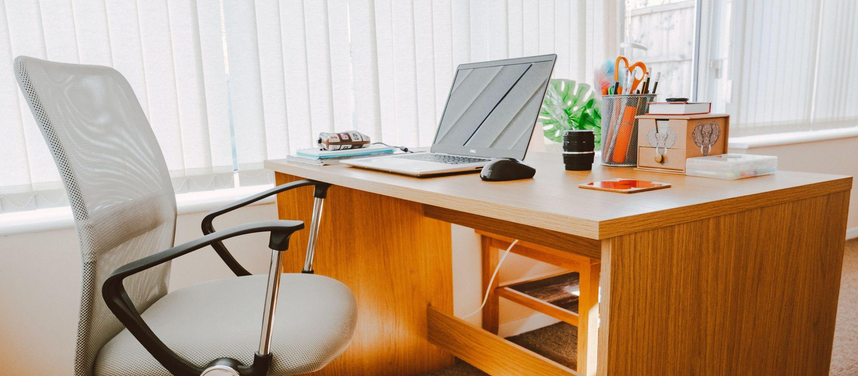
Your home office will need to do more than just hold your laptop. Customer support, invoicing, employee management, video calls, document organisation and planning your next project.
However, for most small business owners, space and money won’t be huge so your office may be in a spare bedroom, unused corner of your house or part of your living room.
Don’t worry though! You don’t need to spend a fortune on your home office. Instead, simply buy the right tools to help you with your tasks and organise them properly.
This guide tells you how to set up a practical home office for your small business, what tools to prioritise buying and what to invest in that won’t cost you a fortune.
1. Consider What You Do
Before investing in any furniture or tech, think about what you do most throughout your working day.
Depending on what your job is (freelance designer, online store owner, accountant, business consultant etc.) you’ll need different tools.
Examples:
- Freelancers & Consultants – Comfortable chair, reliable computer, good webcam and reliable internet.
- E-commerce Business Owners – More desk space, organisation of stock, shipping tools and label printing.
- Accountants & Admin Professionals – Second monitor, organisation of documents, scanner and comfortable keyboard.
- Marketing Professionals – Good quality microphone, webcam, monitor & space for creative tools.
- Business Owners with Employees – Private meeting space, reliable video calls and secure documents.
Buying tools without considering what you do can be a waste of money.
If you’re spending most of your day replying to emails, you don’t need a dual-monitor setup. However, if you’re editing videos or using multiple tools, you may find a larger monitor very useful.
Simply invest in tools that help you overcome common issues you have.
2. Find the Best Spot for Your Business
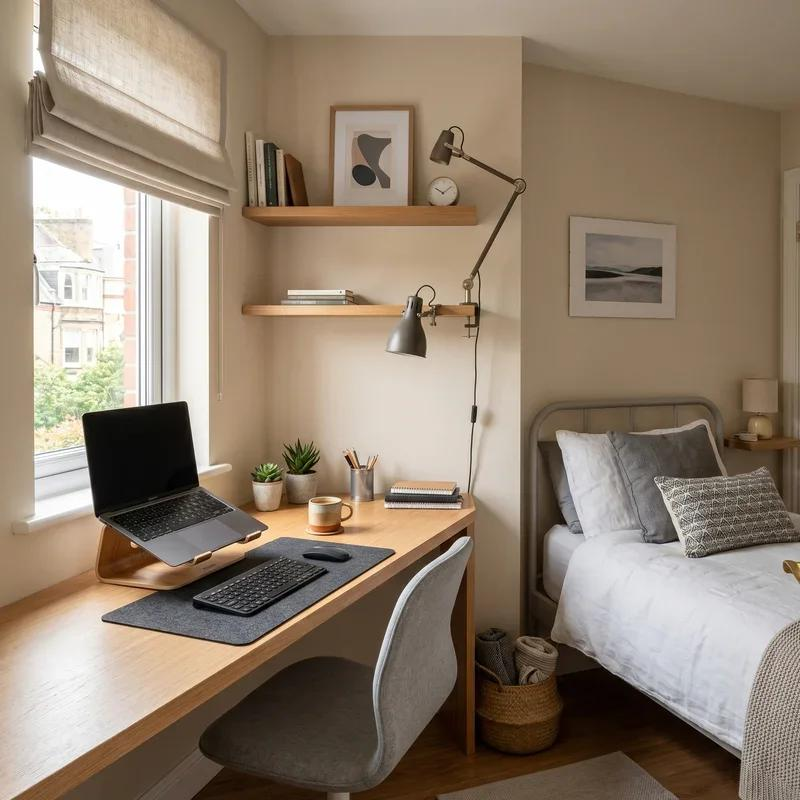
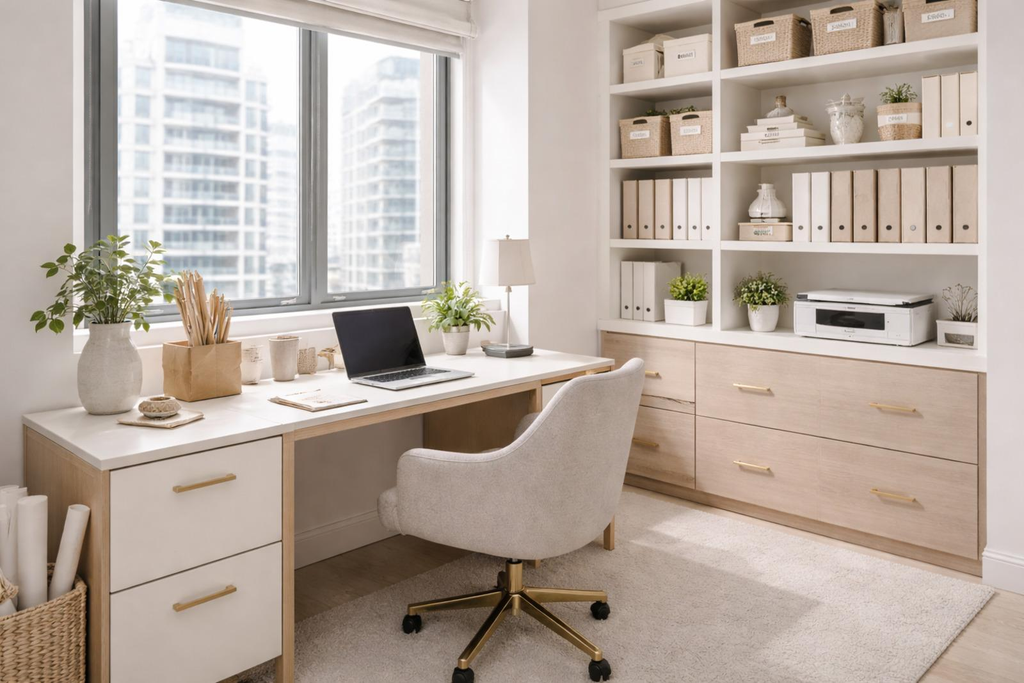
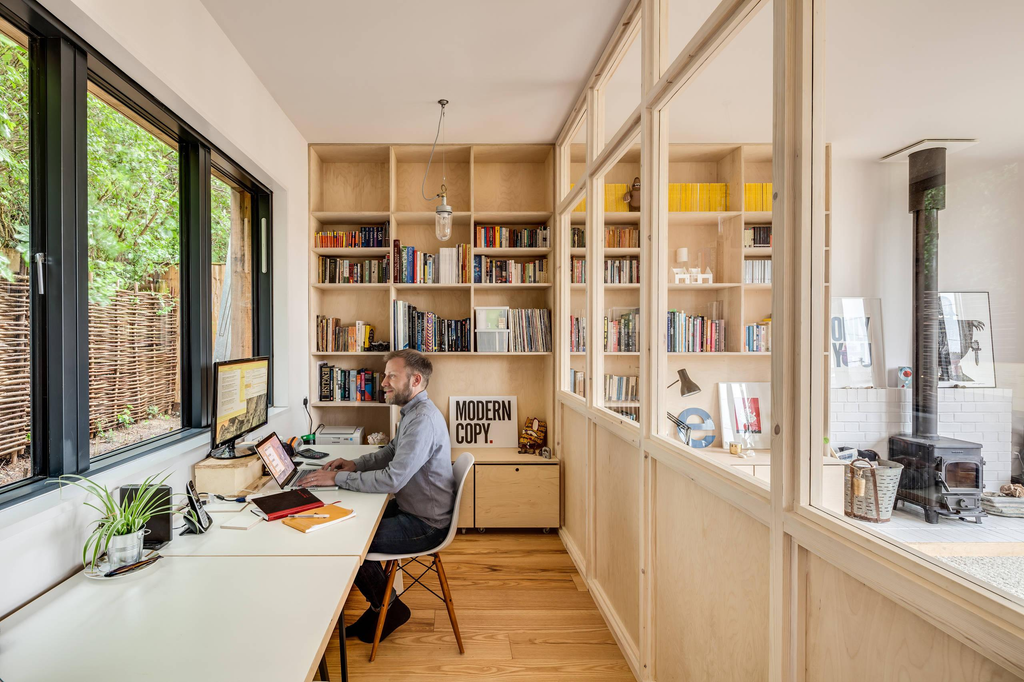
You don’t need a separate room, however you do need to ensure you can work consistently.
Consider:
- Quiet – Don’t place your home office near a TV or busy kitchen.
- Lighting – Try to get natural light shining in but don’t have your monitor facing a bright window.
- Privacy – Ensure you’ll have privacy during confidential business discussions.
- Power – Ensure you can easily plug in your devices.
- Internet – Ensure your internet is good.
- Space – Ensure you have enough space for your chair, desk, computer and often used tools.
If you live with others, invest in a simple partition, bookshelf or curtain to separate your work from your personal life.
This can help you stay consistent with your working schedule.
3. Focus on Comfort
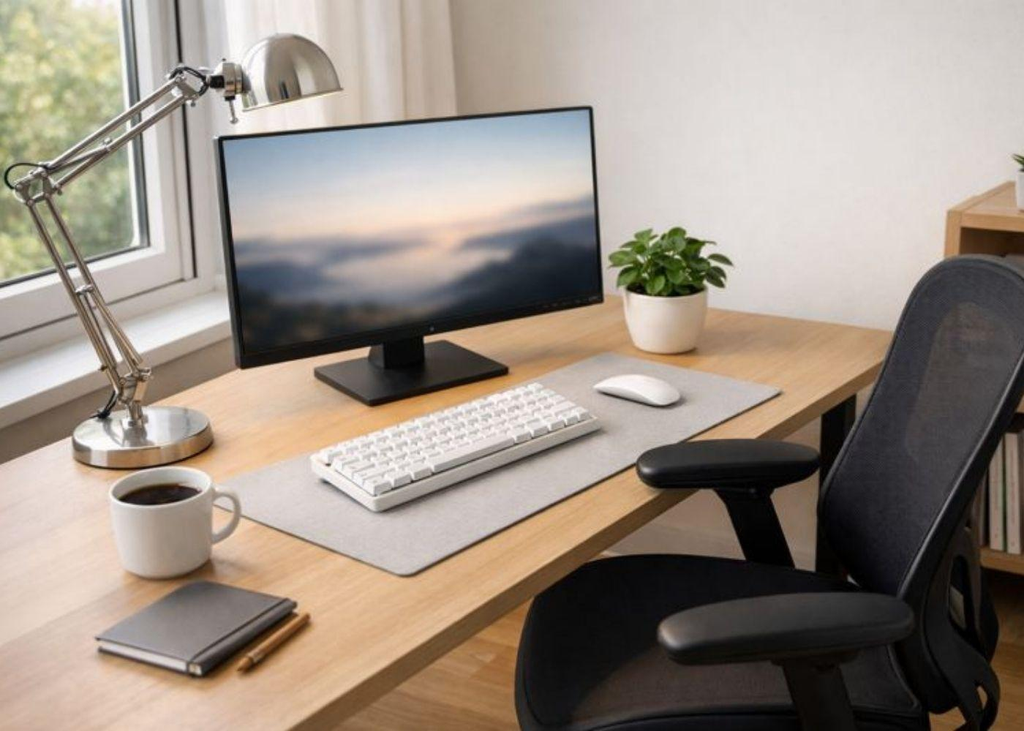
Even if you have a beautiful office, if you have an uncomfortable chair, desk and computer, it will be uncomfortable.
As you’ll likely be sat at a computer for several hours as a small business owner, you should consider ergonomic tools.
The CDC’s National Institute for Occupational Safety and Health recommend investing in an appropriately supportive chair, correctly positioned monitor and separate keyboard and mouse for laptops.
Try to:
- Chair – Back support & feet flat/footrest.
- Desk – Working surface at a comfortable elbow height.
- Monitor – Approximately an arm’s length away.
- Screen – Top of screen at eye level or slightly below.
- Keyboard – Close enough to not have to reach.
- Mouse – Beside keyboard with neutral wrist position.
- Lighting – Enough lighting with no glare.
Note: These are guidelines and depend on your height, tools and comfort.
Why the Chair Matters
Having a comfortable chair can make a massive difference to your workstation.
Look for:
- Adjustable height.
- Correct lower back support.
- Chair fits your body.
- Armrests don’t stop you getting close to your desk.
- Comfortable backrest.
Don’t choose a chair purely based on how it looks or how many ergonomic features it has. Focus on whether the size and adjustments will be suited to you.
4. Tools to Consider
Not all small businesses will require the same tools. Below are some great options to consider.
All product descriptions are based on research. Amazon links are search links to help you find the product mentioned. They are not verified and are not Associates Special Links.
1. SIHOO B300 Pro Ergonomic Chair
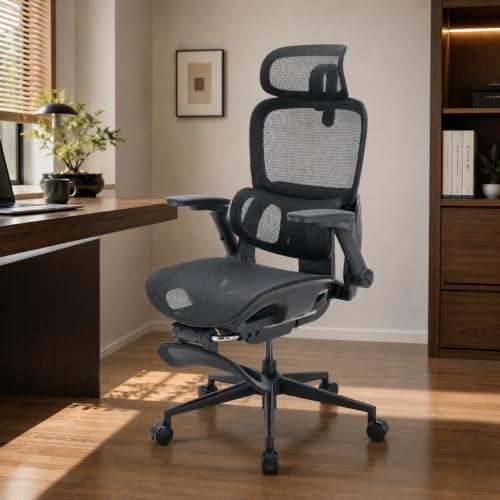
Great chair with lots of features.
This chair focuses on being adjustable.
Key Features:
- 4D Micro Fit Lumbar Support.
- Adjustable armrests.
- Adjustable headrest.
- Weight sensitive.
- Adjustable backrest height.
Benefits:
- Lots of adjustments.
- Personalise lower back support.
- More flexibility than a basic office chair.
Drawbacks:
- May be overkill if you’re only working a few hours a day.
- Ensure the size fits.
- More of an investment than a basic task chair.
Best for: Small business owners who spend a lot of time at a computer.
2. Branch Ergonomic Chair Pro
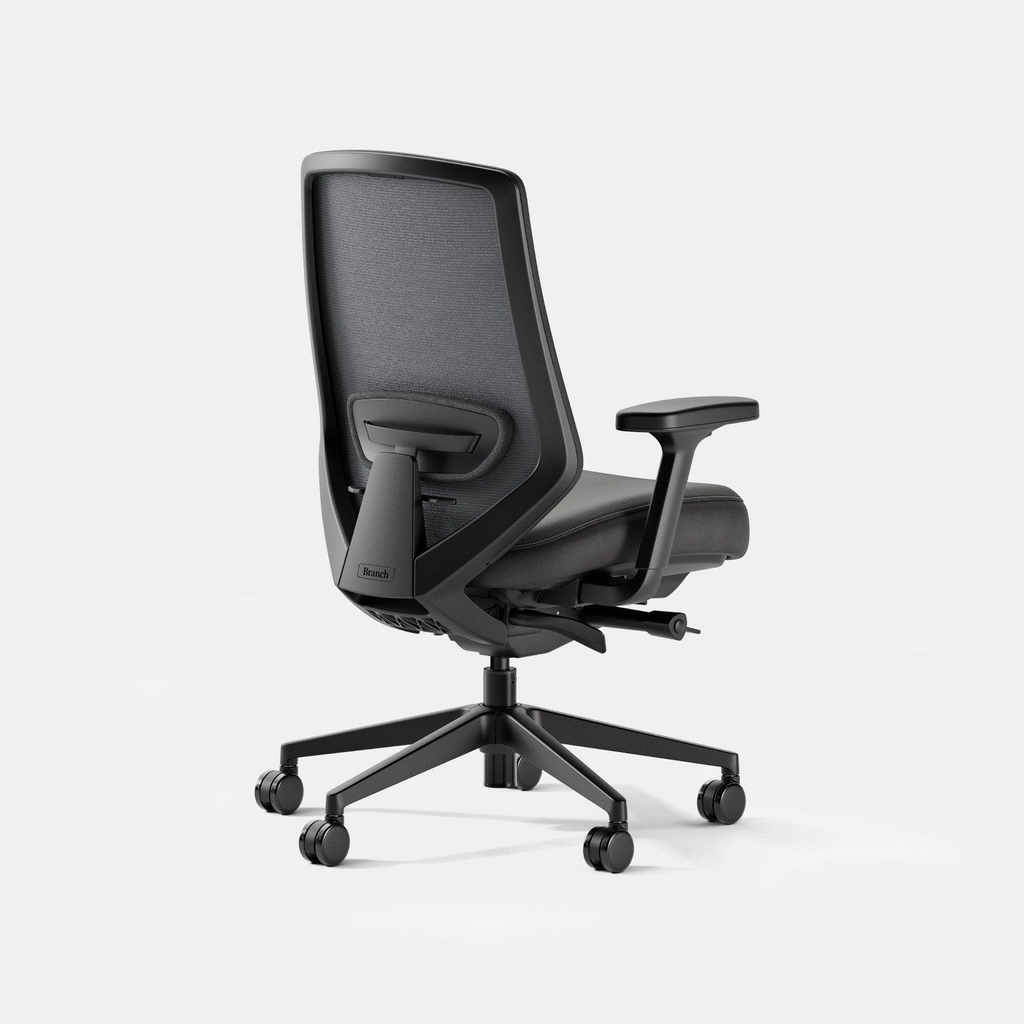
Great for those wanting lots of adjustments.
This chair was designed for those wanting more control.
Key Features:
- 14 adjustments.
- 5D adjustable armrests.
- 2 way adjustable lumbar support.
- Adjustable depth.
- Tilt & forward tilt.
- Headrest (Optional).
Benefits:
- Multiple ways to personalise your chair.
- Adjustable armrests can help with different desk setups.
- Adjustable or removable lumbar support.
Drawbacks:
- May be overkill for a basic home office.
- More features to set up.
- May be expensive for a business with a tight budget.
Best for: Consultants, business owners and professionals who sit at their desk for long periods.
3. Dell 27″ Professional Monitor
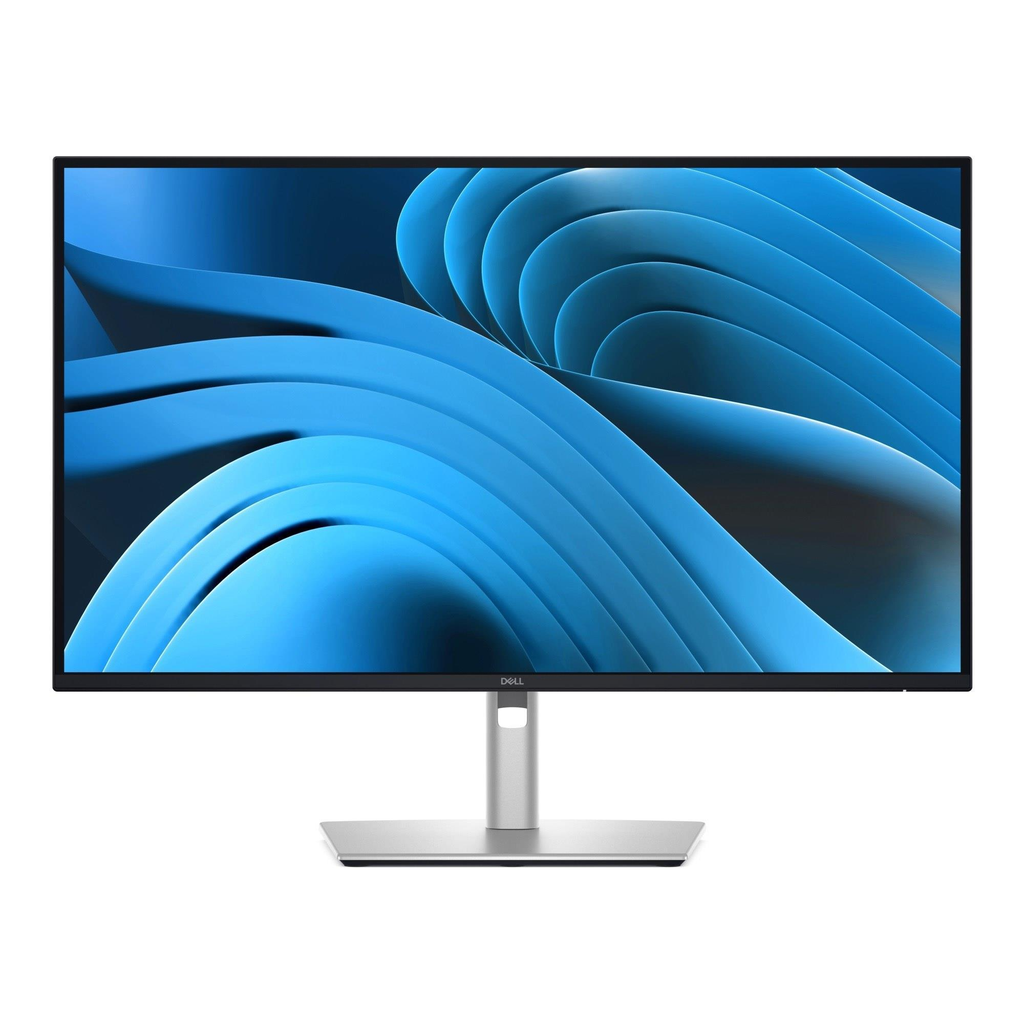
A larger monitor can help with working with spreadsheets, documents, emails and browsers.
A second monitor can be really useful if you need to work with multiple tools.
For example, you can have your accounting software open on one screen and then look through your invoices/customer emails on the other.
When choosing a Dell monitor, consider:
- Resolution.
- Size.
- HDMI, DisplayPort & USB-C sockets.
- Height & tilt.
- Compatibility with your computer.
Benefits:
- More screen space than most laptop screens.
- Easy to work with multiple windows.
- Can help with your workstation setup if paired with a well set up desk.
Drawbacks:
- Will take up more space on your desk.
- Some models will require extra adapters/docking tools.
- Not ideal if you have a shallow desk.
Best for: Business owners who regularly work with spreadsheets, financial documents, customer management systems or multiple tools.
4. Logitech Brio 4K Webcam
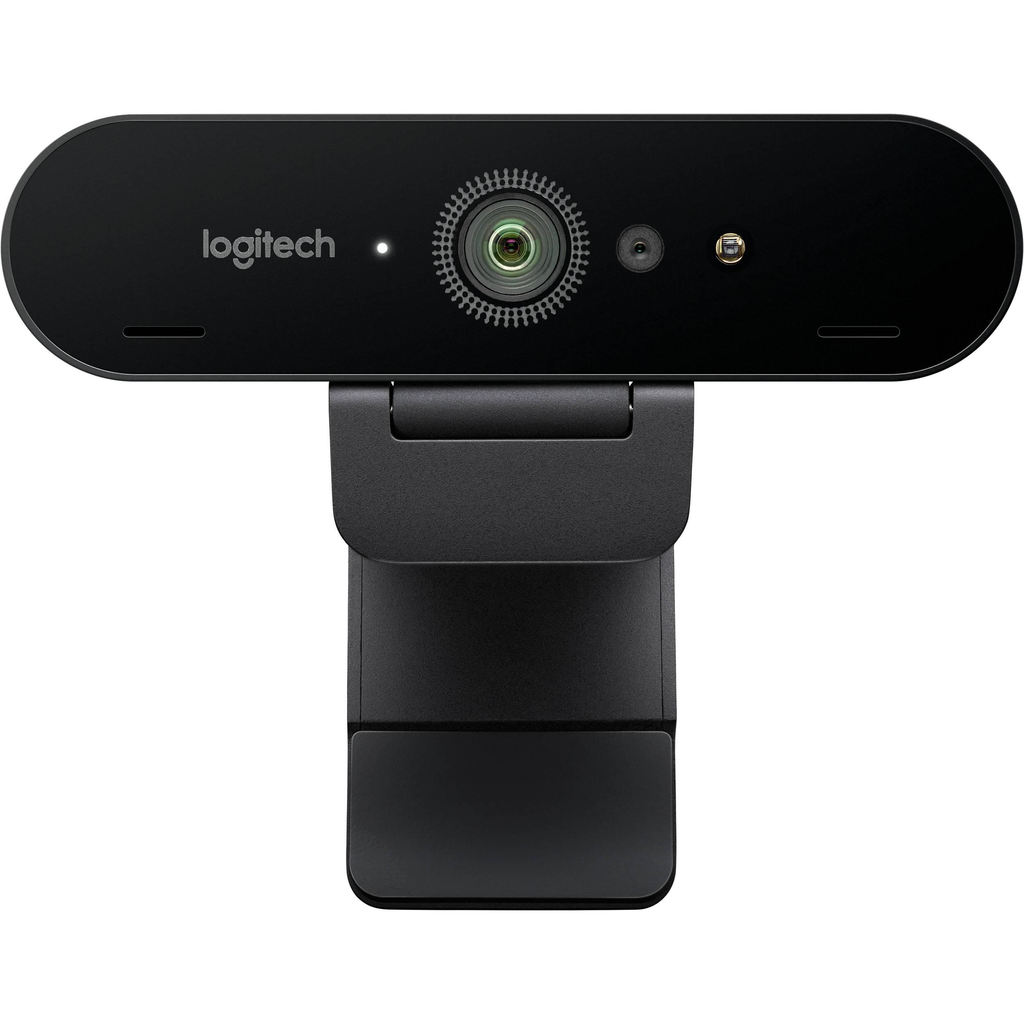
A dedicated webcam for client meetings, online presentations and more.
If you regularly communicate with your clients online, having a good quality webcam can make your meetings look more professional.
The Logitech Brio 4K webcam is designed for high quality video calls.
Key Features:
- 4K Ultra HD.
- HDR.
- Autofocus.
- Adjustable viewing angle.
- Built in microphones.
Benefits:
- Better quality camera than most basic laptop cameras.
- Great for client meetings/presentations.
- More flexibility with your camera.
Drawbacks:
- May be overkill for standard video calls.
- Quality still depends on your lighting and internet.
- Some video calling tools won’t show the maximum quality.
Best for: Consultants, coaches, agency owners and professionals who regularly have client video meetings.
5. BenQ ScreenBar Monitor Light
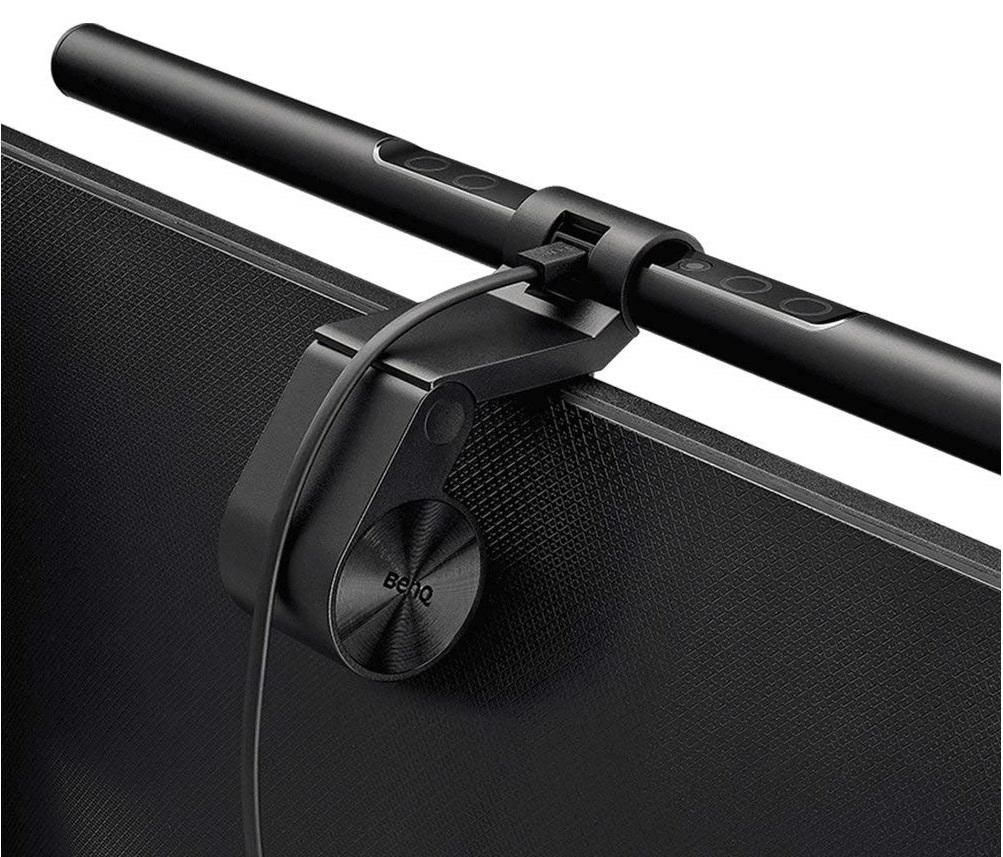
A space saving light.
Often an overlooked tool when setting up your home office.
However, if you don’t have enough light or have glare on your computer, you may find it uncomfortable.
This light attaches to compatible monitors to light up your desk.
Benefits:
- Saves space on your desk.
- Adjustable lighting.
- Alternative to overhead lights.
Drawbacks:
- Dependent on monitor design & thickness.
- Doesn’t replace proper lighting.
- May not be necessary if you have enough lighting in your workspace.
Best for: Small business owners with a small desk who regularly read printed documents, take notes or work in the evenings.
5. Second Monitor?
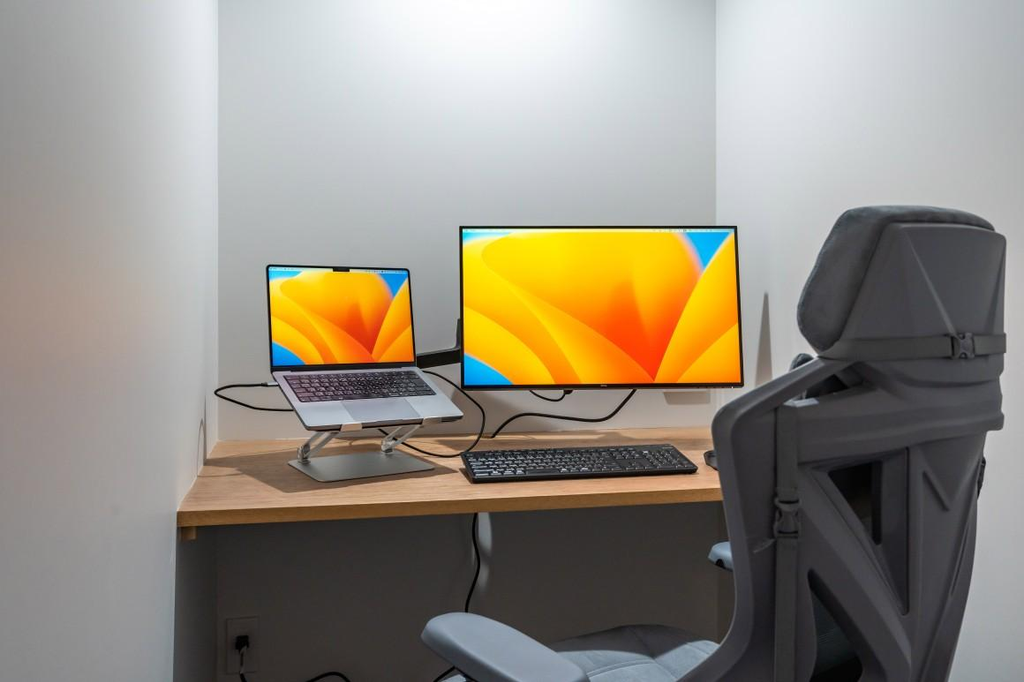
A second monitor can help with some aspects of your business, but it isn’t essential.
Consider:
| What You Do Daily | Second Monitor |
|---|---|
| Emails & Basic Admin | Optional |
| Accounting & Bookkeeping | Very useful |
| Online Stores | Useful |
| Graphic Design | Very useful |
| Video Editing | Very useful |
| Writing/Blogging | Useful |
| Occasional Video Calls | Optional |
If you mainly use a laptop, you may find it difficult to position your screen and keyboard at a comfortable height. If you raise your laptop to get the best screen position, your keyboard may be too high.
To help, use:
- Laptop stand.
- External keyboard.
- External mouse.
This will give you more flexibility.
According to the CDC, your external monitor should be approximately an arm’s length away with the top of the screen at eye level or below.
6. Good Internet & Video Calls
A good internet connection is just as important as your computer for many small businesses.
A poor connection can cause issues such as:
- Interrupted client meetings.
- Slow uploads.
- Difficult to use cloud based business tools.
Before investing in any network tools, try to identify what the issue is.
- If your Wi-Fi is poor in your office area, move your router.
- If multiple people are using the internet, consider your internet plan and network.
- If your video calls are freezing, try using a wired Ethernet connection.
- If you work with large files, ensure your upload speed is fast.
Essential Video Call Tools
A professional setup doesn’t need to be complicated.
Try:
- Camera at eye-level.
- Clean & uncluttered background.
- Light in front of you.
- Headphones if there is background noise.
- Test your microphone & camera before important meetings.
If your laptop has a good quality camera, you may not need an expensive webcam.
If your business requires clearer audio, consider investing in a dedicated microphone.
7. Organisation
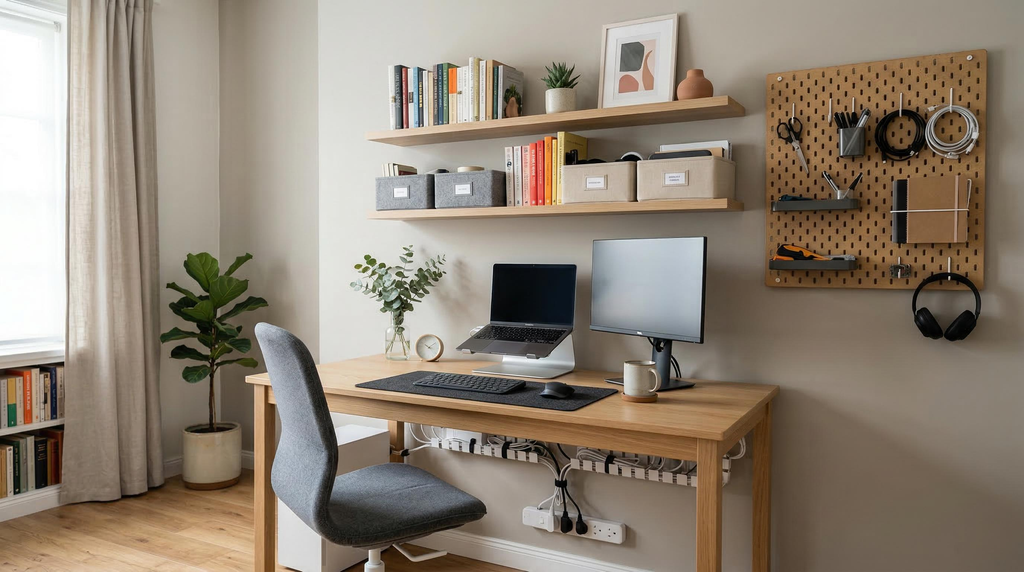
Your home office can quickly become messy.
Between your invoices, notebooks, charging cables, receipts, shipping tools and office supplies, there may not be much space.
Rather than invest in multiple pretty organisation tools, focus on organising your tools.
| Item | Organisation |
|---|---|
| Documents | Folders with labels or filing cabinet. |
| Receipts | Dedicated bookkeeping folder. |
| Charging Cables | Cable clips or cable management. |
| Office Supplies | Drawer organisational tool. |
| Shipping | Dedicated labelled bin. |
| Frequently Used Notebooks | Tray on desk. |
| Extra Tools | Labelled box. |
Secure Important Business Information
As a small business owner, you may have customer addresses, payment details, contracts, employee details and confidential information.
Ensure your home office is secure by:
- Using strong unique passwords.
- Multi-factor authentication where possible.
- Keeping your business devices up to date.
- Using reputable security tools.
- Encrypting sensitive devices & back-ups.
- Don’t leave confidential documents out when others come into your office.
- Secure any physical documents with customer/employee information.
If you handle sensitive customer information, having a dedicated computer for your work can help to separate your business from personal browsing and other devices.
8. Good Lighting
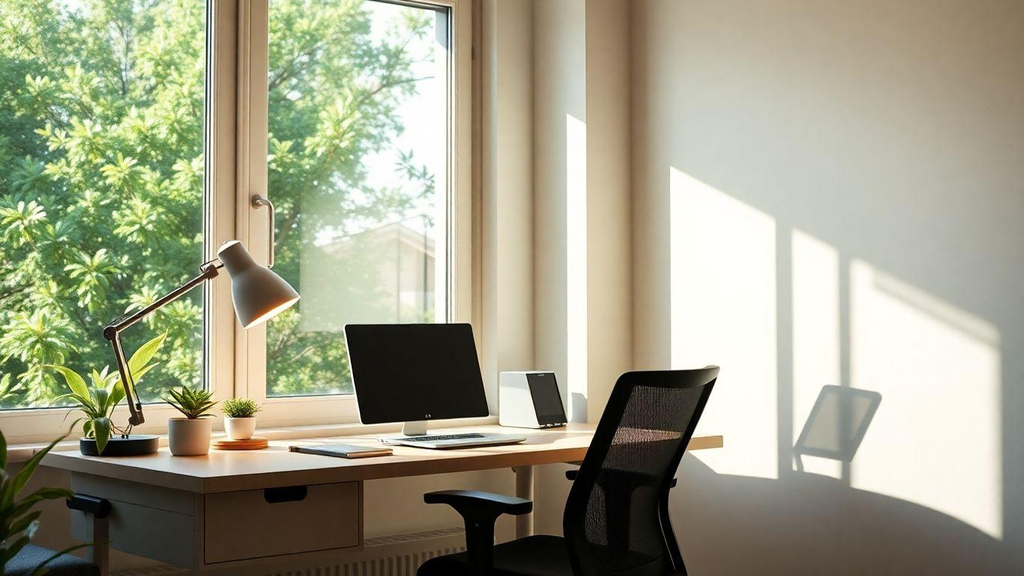
Good lighting not only makes your office look nice, but it helps you see your documents, work comfortably and look clear during online meetings.
A good setup would include:
- Natural Light – Try to have your desk near a window. Ideally your window would be to the side of your monitor.
- General Lighting – Use the main light in your room.
- Task Lighting – Use a desk lamp or monitor light.
Don’t have a bright light behind your screen causing glare.
Don’t assume the brighter the better. Too bright can cause discomfort when working on your screen.
9. Budget for Your Home Office
One of the biggest mistakes small business owners make is investing in everything at once.
A better idea would be to build your home office up.
Below is an example of what to prioritise:
| Priority | Tools | Reason |
|---|---|---|
| 1 | Computer & Reliable Internet | Essential for your business. |
| 1 | Comfortable Chair | Comfortable to use daily. |
| 1 | Appropriate Desk | Stable working surface. |
| 2 | External Keyboard & Mouse | More flexibility with your laptop. |
| 2 | Monitor/Laptop Stand | Helps with positioning. |
| 2 | Desk Light | Comfortable to see. |
| 3 | Webcam & Microphone | Useful for regular client meetings. |
| 3 | Storage & Cable Management | Keep your office organised. |
| Optional | Sit/Stand Desk | Another working position. |
| Optional | Luxury Tools | Depends on your workflow. |
Here Are 3 Examples of Home Office Setups
Essential Home Office
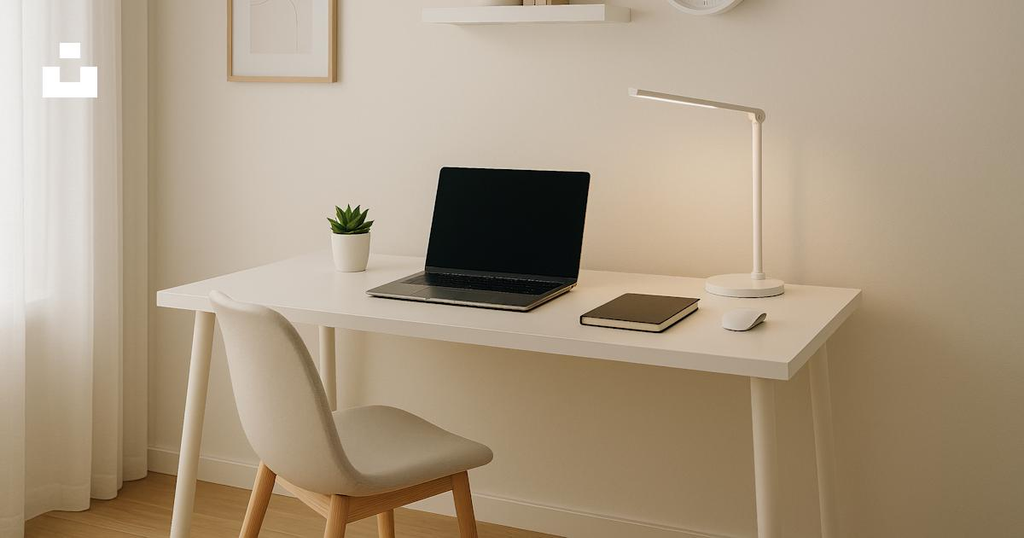
- Laptop/Desktop you already have.
- Basic desk with enough legroom.
- Comfortable adjustable chair.
- External mouse & keyboard.
- Basic task light.
Ideal for freelancers, sole consultants & new business owners.
Productive Home Office
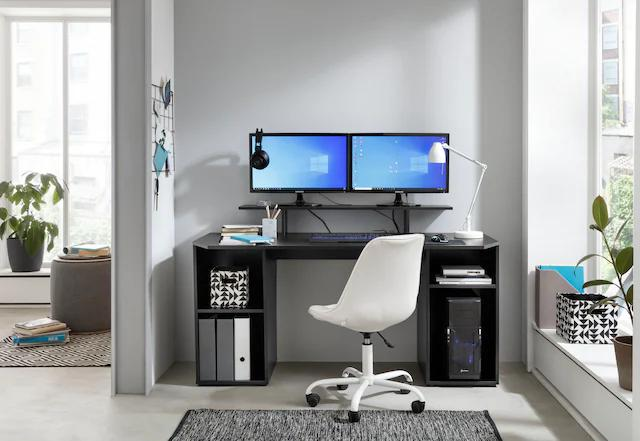
- Ergonomic chair.
- External monitor.
- Laptop stand & docking tools if required.
- Dedicated webcam.
- Documents organised.
Ideal for those working with multiple tools, customer accounts & business documents.
Client Facing Professional Home Office
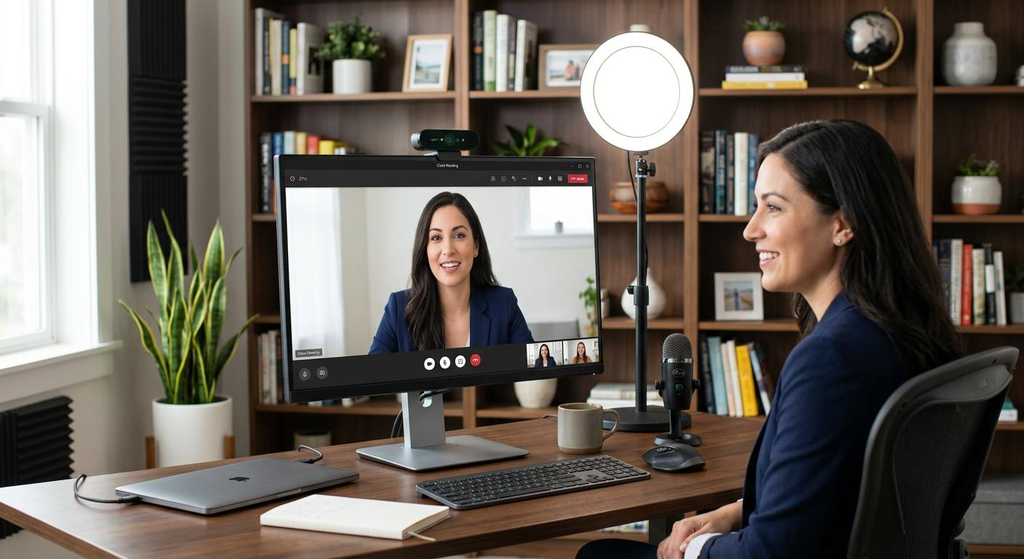
- Adjustable ergonomic chair.
- Large external monitor.
- Dedicated webcam & microphone.
- Improved lighting.
- Reliable wired/wireless internet.
- Private background & secure storage.
Ideal for consultants, coaches, agencies & businesses with regular online meetings.
The most important thing to consider is what you need based on your workload. A more expensive setup does not mean you’ll be more productive.
10. Don’t Forget the Business Side!
There is a big difference between setting up a home office and claiming a home office deduction.
In the US, the IRS has specific rules about claiming your home office expenses.
For many self employed taxpayers, the space should generally be used regularly and exclusively for qualifying business purposes.
The IRS also have a simplified option. Generally this is $5 per square foot up to 300 sq ft. However, this depends on their rules.
A few things to note:
- Having a desk in your bedroom does not automatically make the whole room deductible.
- If you regularly use the space personally, this can affect your eligibility.
- Employees generally aren’t eligible for the federal home office deduction (after 2017). Exceptions apply.
- Depending on the tax rules, your tools may be deductible.
If you’re unsure if your workspace is eligible, speak to a qualified tax professional.
11. Small Home Office Ideas
Not all small business owners will have a spare bedroom. Luckily, you can create a functional home office in a small space.
Below are 4 ideas:
Closet Home Office
Turn your unused closet into a small home office. Use wall mounted shelves & a small desk.
Corner Home Office
Use a small desk in the corner of your room. Great for those in an apartment or multi-purpose room.
Wall Mounted Home Office
A floating desk can save space & keep your workspace clean.
Vertical Storage Home Office
Use shelving above or beside your desk.
Remember not to sacrifice legroom & comfortable screen position for a larger desk.
12. Checklist
Once your office is setup, take a few moments to check everything.
- My chair has good back support.
- My feet can rest flat on the floor/footrest.
- My monitor is at a comfortable height.
- My keyboard & mouse are easily reachable.
- There is enough lighting.
- I have a reliable internet connection.
- Important business documents are secure.
- My cables are organised & don’t cause tripping.
- My video calling tools work.
- I have a break/change schedule.
FAQs
1. What is the most important equipment I should include?
A good computer, comfortable chair, appropriate desk and good internet connection.
Depending on what tasks you complete on a daily basis you might want to invest into a second monitor, keyboard, mouse and good lighting.
2. How much space should I have?
In most situations you don’t need a whole room. An area of your home that you can dedicate to your home office is often sufficient.
As long as you have space for your equipment, a comfortable chair and good flow of movement.
3. Should a small business owner invest in an ergonomic chair?
If you’ll be sitting for several hours a day then investing into an ergonomic chair is a good idea.
Ensure it has adjustable seat height, correct lumbar support, comfortable seating and the right size.
However, just because it’s expensive or has lots of features doesn’t mean it’ll be comfortable.
4. Should you invest in a second monitor?
No, it’s not essential.
It can be very helpful if you’re doing any book keeping, online stores, spreadsheets or using multiple software.
However, a laptop may be sufficient for simple email and administrative tasks.
5. What is the best type of lighting?
Natural light, general lighting and task lighting works well.
Ensure you don’t get any glare on your monitor by ensuring it is positioned correctly. Don’t have a bright window behind your screen.
6. How can I make my small home office look more professional?
Keep your desk tidy, cable management, good lighting and a simple backdrop.
If you use video calls on a regular basis then ensure your camera is at eye level and you have good lighting on your face.
You don’t need to invest in expensive furniture or decor.
7. Can I claim my home office as a business tax deduction?
Some self employed business owners may be eligible to claim the IRS home office deduction.
Generally you will need to have the area used regularly and solely for business purposes. There are specific rules and exceptions.
Before claiming the deduction read through IRS publication 587 or speak to a tax professional.
8. Should I invest in all my home office equipment?
Not necessarily.
Invest in the basics to allow you to complete your daily tasks. As your workload increases invest in an upgraded monitor, chair, lighting and other accessories.
This will help stop you overspending.
Final Thoughts: Create a Home Office That Grows With Your Business
Your home office doesn’t need to be filled with expensive chairs, large monitors and the latest tech.
It’s about creating a space where you feel comfortable completing your business tasks, communicating with clients, organising important information and focusing on meaningful tasks.
Invest in a good desk, comfortable chair, reliable computer equipment and internet.
Once you have the basics, invest in upgrading your space. If your workflow requires it invest in a second monitor, if you have issues seeing invest in upgraded lighting and if your desk is getting covered in paper invest in some better storage.
Most importantly invest in things based on your business needs.
A well organised home office can help your business now but also gives you the flexibility to grow your set up as your business grows.