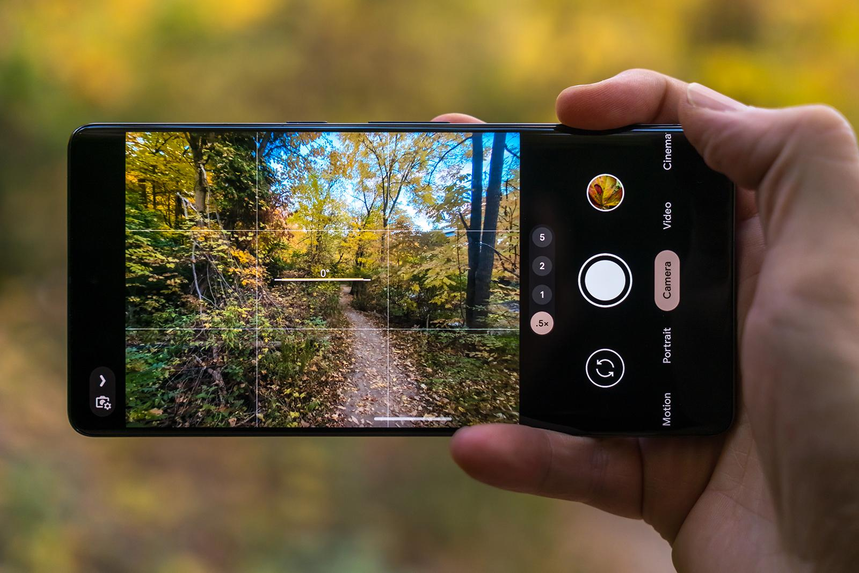
Two people point their smartphones at the same sunset and take pictures with different phones. One image might feature striking shadows and vivid colors, while the other captures the atmosphere of the moment and preserves the deeper shadows in the scene.
With Google Pixel phones, much of this difference comes down to image processing. The lens and sensor are important, but the software that processes what the camera captures plays a major role in determining the final appearance of a photo.
Pixel photography relies on a combination of computational photography, image processing, and machine learning to handle difficult lighting, reduce noise, balance skin tones, and recover details.
These techniques give many Pixel photos their distinctive look and explain why a camera’s megapixel count isn’t the only factor that matters in smartphone photography.
The Photograph Is Only the Starting Point
When you press the shutter button on a smartphone camera, the resulting photograph isn’t necessarily produced from a single exposure. Depending on the camera mode and shooting conditions, the phone may combine information from multiple frames to create the final image.
Google’s HDR+ technology is one example. The camera captures a burst of images and combines useful information from them to produce a photograph with improved detail and reduced noise.
This process helps balance challenging scenes. Imagine photographing a friend standing in front of a bright window. An automatic exposure might leave the person’s face too dark or turn the window into a patch of white. Computational photography helps balance these competing brightness levels, producing an image that may differ from what you saw but retains more visible detail.
Google explains this approach in its technical overview of Night Sight and computational photography.
How Pixel Photos Can Look Bright While Retaining Highlights
Few characteristics of a smartphone camera are as immediately noticeable as its handling of highlights and shadows. Some cameras prioritize shadow detail, while others focus on preserving information in bright areas.
HDR processing attempts to balance both. It can help retain texture in clouds, contrast on skin, and detail in dark interiors.
This is particularly useful in mixed lighting, such as a portrait against a bright background or a building photographed on a cloudy afternoon.
However, more processing doesn’t always mean a better photograph. Excessive shadow recovery can make an image appear flat, while aggressive highlight recovery can reduce the contrast that makes a scene feel lively. The ideal balance depends on the atmosphere and details the photographer wants to preserve.
Skin tones are another important consideration. A technically sharp portrait can still look unnatural if the person’s skin appears too pale or too orange.
Google’s Real Tone work focuses on improving how people with different skin tones are represented in photographs. Exposure, lighting, white balance, and the camera’s interpretation of a face all influence the final result.
Warm lighting should add warmth to a scene without making faces look unnaturally orange. In mixed lighting, the camera must also determine which color casts to correct and how much contrast to apply.
No camera performs perfectly in every situation, but skin-tone rendering is one reason why a phone’s photographic style shouldn’t be judged using just one image or lighting condition.
Night Sight Changes What a Dark Scene Can Capture
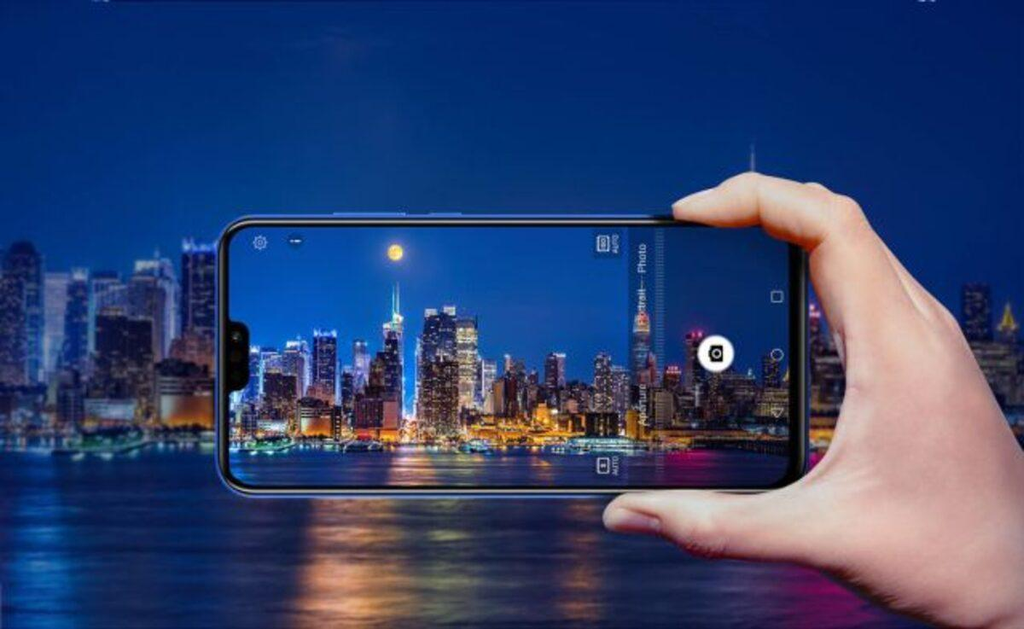
Low-light photography involves a difficult balance between collecting enough light to reveal detail and avoiding motion blur. Pixel’s Night Sight mode uses computational photography to help produce brighter, more detailed images in dim conditions.
The technology can combine information from multiple frames, reduce noise, and adjust color balance. This helps reveal details that might otherwise disappear into darkness.
However, Night Sight doesn’t eliminate every limitation of low-light photography. The camera still needs some available light, and moving subjects can remain difficult to capture clearly. A stationary building may look sharp, while a person walking through a dimly lit street may appear blurred.
For night photography, a steady grip and a little patience can make a noticeable difference. Google explains the technology in its Night Sight overview.
Color Isn’t Just a Camera Setting
The color of a photograph depends on white balance, exposure, contrast, and the processing applied by the camera. A smartphone must interpret the light falling on a scene and translate it into colors that appear on a screen.
For example, a white wall might appear yellow under warm indoor lighting or blue under a cloudy sky. Automatic white balance attempts to correct these color casts, but determining the right adjustment isn’t always straightforward.
Pixel processing also affects contrast and the amount of color variation in a photograph. A landscape may benefit from vivid greens and blues, while a portrait can look more natural with restrained color.
There’s no single correct color treatment for every scene. A capable camera must make decisions that work across different conditions, while photographers can use editing tools to fine-tune individual images afterward.
Portrait Mode Isn’t as Simple as It Looks
Portrait mode attempts to simulate a shallow depth of field by separating a subject from the background and making the background appear blurred.
Traditional cameras create this effect through optical characteristics such as lens focal length and aperture. Smartphone cameras can also estimate the distance between objects and use software to simulate the effect. Pixel’s portrait processing relies on computational photography to create this separation.
When the processing works well, the subject stands out against a softly blurred background.
However, loose hair, glasses, transparent objects, and tree branches can confuse the software. It may blur parts of the subject or leave portions of the background unexpectedly sharp.
For better portraits, keep some distance between the subject and the background, use good lighting, and review the finished image before sharing it.
Zoom Quality Isn’t Just About Magnification
Zooming into a photograph can reveal details that aren’t obvious in the camera preview, but it can also expose image-quality problems. Fine text may look jagged, distant objects can lose definition, and leaves may become indistinct patches of green.
Pixel phones use a combination of camera hardware and image processing to improve zoom results. Google’s Super Res Zoom technology uses information from multiple frames to help recover details that might otherwise be lost with conventional digital zoom.
The results depend on the specific Pixel model, available cameras, zoom level, and lighting conditions. Optical telephoto hardware, when available, also contributes to the final image.
For everyday photography, moderate zoom can produce better results than pushing the camera to its maximum magnification. When practical, moving closer to the subject may be a better option than relying on extreme digital zoom.
The Camera App Has an Impact, Too
The camera app makes decisions about a photograph beyond the initial capture. A few simple habits can help you get more consistent results with your Pixel.
- Tap the subject to focus: This is useful when the camera is trying to focus on the background instead.
- Check the exposure: If the sky or another bright area looks washed out, try reducing the exposure slightly.
- Keep the lens clean: Fingerprints and oily smudges can reduce contrast and create unwanted haze around bright lights.
- Wait for Night Sight to finish: Longer captures benefit from a steady grip.
- Review the full image: Don’t judge a photo only by its thumbnail. Look for fine details such as hair, facial expressions, and background edges.
These habits don’t replace the phone’s image processing, but they help it work with a cleaner starting point.
Accessories to Get Better Pixel Photos
You don’t need an extensive collection of camera equipment to take better smartphone photos. A few practical accessories can make photography easier and help you get more consistent results.
1. Google Pixel Phones

Google Pixel smartphone
Relevant to computational photography, HDR processing, and Night Sight.
View Pixel phones on Amazon.com
The Pixel camera experience varies by model, so compare the available cameras, zoom capabilities, and photography features before buying. If image quality is your priority, look for sample photos taken in different conditions, including daylight, indoor lighting, and nighttime scenes.
Browse Google Pixel phones on Amazon.com
2. A Smartphone Tripod

Smartphone tripod
Useful for stable night photos, group shots, and long exposures.
View smartphone tripods on Amazon.com
A tripod helps stabilize your phone for night photography, group shots, long exposures, and time-lapse videos. Look for a model with a secure phone mount and an adjustable height that suits your shooting needs.
Shop smartphone tripods on Amazon.com
3. A Lens-Cleaning Kit

Camera lens-cleaning kit
Helps remove fingerprints and smudges from camera glass.
View lens-cleaning kits on Amazon.com
Smudges and dust can affect image quality, particularly when photographing fine details or bright lights. A microfiber cloth and a cleaning product suitable for camera lenses can help keep the camera glass clear.
Always follow the phone manufacturer’s cleaning instructions and avoid abrasive materials that could damage the lens surface.
Find camera and lens-cleaning kits on Amazon.com
Does Pixel Processing Always Make Photos Better?
Not necessarily. Although computational photography can improve many shooting situations, its decisions are ultimately based on software models and estimates of the scene.
Some photographers prefer darker shadows and more natural image noise. Others want faces to remain bright and details to be visible in different lighting conditions. A processed image that looks appealing to one person might seem too bright or overly polished to another.
Moving subjects, unusual lighting, reflective surfaces, and complex backgrounds can also challenge the camera’s processing. Even an advanced smartphone camera benefits from good composition and sensible exposure.
The best way to judge Pixel photography is to examine real-world examples rather than relying on a single attractive image that highlights the camera’s strengths.
The Real Reason Pixel Photos Have a Distinctive Look
Pixel photography is shaped by a series of decisions: how the phone captures a scene, how it processes the resulting frames, how it balances different lighting conditions, and how it renders faces, colors, and fine details.
That’s why computational photography matters. The hardware gathers the information, while Google’s software turns it into a finished photograph that’s ready to share.
When comparing Pixel phones, look beyond raw specifications and marketing claims. Examine portraits, night shots, landscapes, and moving subjects. These everyday examples will tell you much more about whether the Pixel camera’s photographic style suits your needs.
Amazon Affiliate Disclosure: As an Amazon Associate, I earn from qualifying purchases. If you click on an Amazon.com link in this article and make a purchase, I may earn a commission at no additional cost to you.