
Running a business as a sole trader can mean juggling many roles that you would usually have in-house. This could include:
- Dealing with customers.
- Creating invoices.
- Marketing your products/services.
- Planning your expenses.
- Completing major projects.
Whilst you may not have an issue with the amount of work you have, keeping track of everything can be a pain.
As a sole founder, it’s important to keep your information organised. This will help you run your projects, keep on top of your deadlines, track your clients, manage your business documents and make daily decisions.
Thankfully, you don’t need lots of premium business tools to help keep things running smoothly. A few key tools can help manage your workload, reduce distractions and keep your business running like clockwork.
Below are some great tools to help you stay on top of your business as a sole founder.
1. Create a Single Business Hub
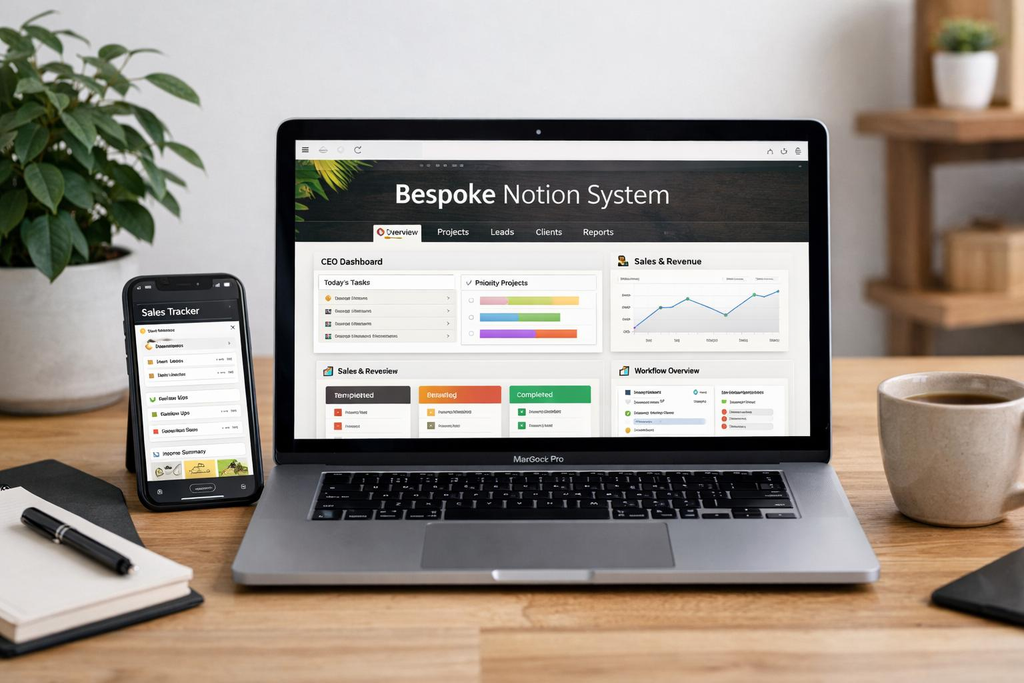
One of the main issues when being a sole founder is keeping track of all your important information.
You could have:
- Notes for your projects.
- Ideas for your business.
- Lists of your clients in a spreadsheet.
- Saved links.
By having one place to manage your business, you can keep everything organised.
Notion
Notion is a flexible tool which allows you to create documents, databases, project tracking, meeting notes and your business knowledge base.
As a sole founder, you can use this to host your business hub and have sections for:
- Current projects and deadlines.
- Business goals.
- Content calendars and marketing ideas.
- Client research and product ideas.
- Standard operating procedures.
- Important business notes.
Why use it? It helps keep all your related information in one place. You can create your business around your information.
Disadvantages: With everything being so flexible, it can cause problems. You could waste a lot of time creating dashboards and playing with templates. Try to keep it simple.
Best for: Founders with multiple projects to manage who want to keep their information in one place.
2. Try Out a Task Manager
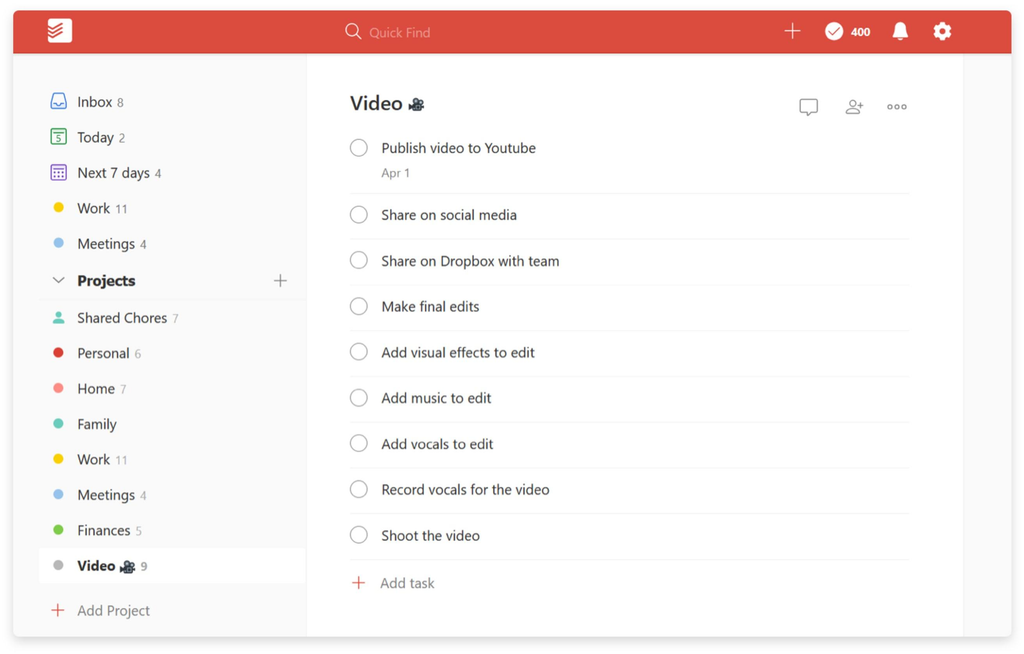
You may have lots of smaller tasks to complete as a business owner. Some of these may need to be completed straight away, whilst others can be left for a few days or weeks.
Trying to remember everything can be stressful.
Having a task manager will help you manage your tasks and know which ones to prioritise.
Todoist
Todoist is a task management tool which will allow you to manage your tasks. You can create projects, deadlines and recurring tasks.
As a sole founder, you can create projects for:
- Product development.
- Marketing/content.
- Customer support.
- Business administration.
- Personal tasks.
You can also create recurring tasks such as checking your finances, sending newsletters and checking customer feedback.
Why use it? It can help you see what you have coming up without needing anything complicated.
Disadvantages: You won’t be able to prioritise tasks. If you create too many tasks, tags and projects, then it could become tricky to manage.
Best for: Freelancers, sole consultants and founders who want a simple tool to manage daily tasks.
3. Use a Calendar
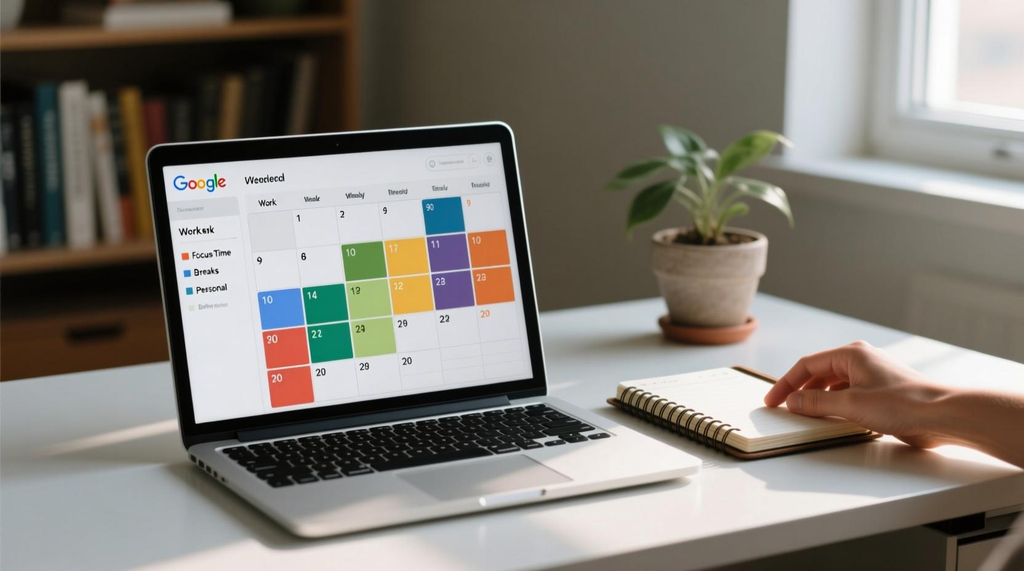
A task manager will tell you what needs to be done, but a calendar will tell you when.
As a sole founder, you may find that your tasks seem simple, but you have many meetings, client requests and admin to complete.
Google Calendar
Google Calendar can help you keep your meetings, appointments, deadlines and working sessions planned.
Useful tools include:
- Block out time to focus on tasks.
- Schedule client calls.
- Set reminders for important deadlines.
- Schedule admin time.
- Plan recurring weekly tasks.
- Separate your personal and business calendar.
A great habit to get into is time blocking.
Instead of having a task on your to-do list to work on your marketing, block out a set time to create content, check your campaigns and plan promotions.
Why use it? It helps your workload to be more realistic. It also makes you schedule time for important projects.
Disadvantages: You will need to regularly update your calendar. If you schedule everything to the minute, you may not have enough time for unexpected tasks.
Best for: Founders who have a good balance of meetings, solo work and personal tasks.
4. Use a Visual Project Management Tool
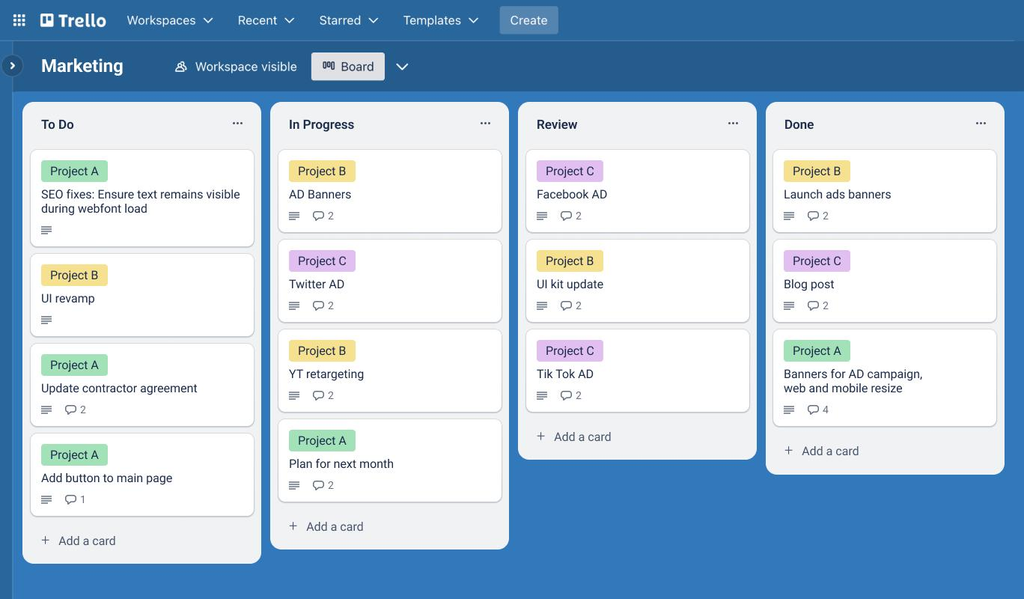
Some tasks can be easily managed with a simple to-do list. However, some tasks have multiple stages, dependencies and deadlines.
Launching a new product could involve lots of steps such as market research, product development, preparing your website, creating marketing materials and communicating with your customers.
Using a visual project management tool will help you see how everything fits together.
Trello
Trello is a visual project management tool. You can create boards, lists and cards.
You could have a simple board with:
- Ideas.
- To Do.
- In Progress.
- Waiting.
- Completed.
Every card represents a task or deliverable. As you complete tasks, you can move them to the right column.
Why use it? It helps you see where you are with your projects. Especially useful for content creation, product launches, marketing and client work.
Disadvantages: If you need lots of reporting or complex dependencies, then Trello may not be the best option for you.
Best for: Sole founders who like to visually manage their projects.
Notion, Todoist & Trello
All three of these tools will help with different organisational issues.
| Tool | Purpose | Best for |
|---|---|---|
| Notion | Notes, documents, databases and workspaces | Keeping your business information in one place |
| Todoist | Tasks and recurring tasks | Daily task management |
| Trello | Project boards | Keeping track of your projects |
You may not need all three. For example, if you are using Notion to manage your projects, you may not need Trello. If you like simple task lists, then Todoist may be enough.
It depends on what you really need to organise.
5. Time Tracking
As a sole founder, it can be easy to forget how much time you’re spending on small tasks.
Checking emails, replying to messages, updating websites, creating proposals and admin can take hours out of your day which could be used to generate income.
Using a time tracker will help you see how much time you’re spending.
Toggl Track
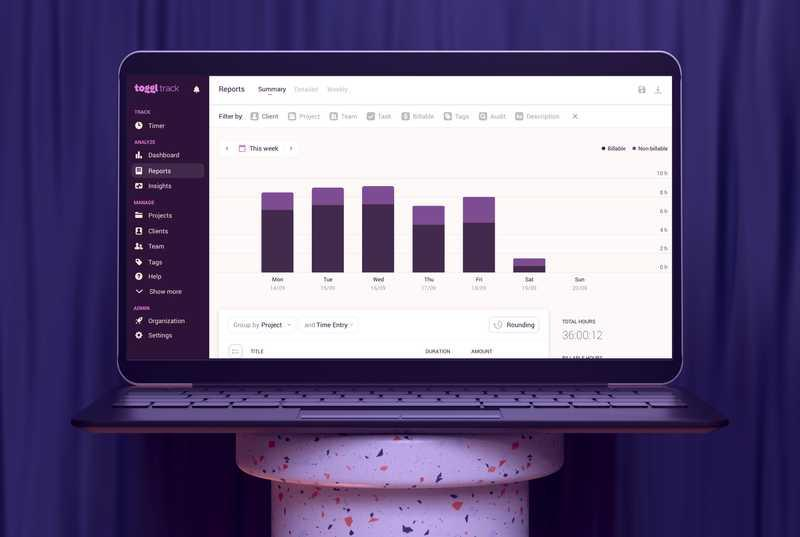
Toggl Track will allow you to track how much time you’re spending on different tasks.
You may create categories such as:
- Client projects.
- Product development.
- Marketing.
- Administration.
- Customer support.
- Research/learning.
At the end of the week, you can check how much time you’ve spent on each task.
Why use it? It will help you understand how much work you are doing. You can also get a realistic idea of how long your future projects will take. It will also help you see if there are any repetitive tasks.
Disadvantages: You will need to be consistent with tracking your time. If you’re tracking everything, it can become another admin task. Try to keep your categories meaningful.
Best for: Consultants, freelancers, sole service providers and founders who want to understand how they’re spending their time.
6. Automate Repetitive Tasks
As a sole founder, you can waste a lot of time doing small repetitive tasks.
For example, manually entering customer information from a form into a spreadsheet, creating reminders and copying information between apps.
Using automation tools will help to connect compatible tools and automatically complete tasks when certain conditions are met.
Zapier
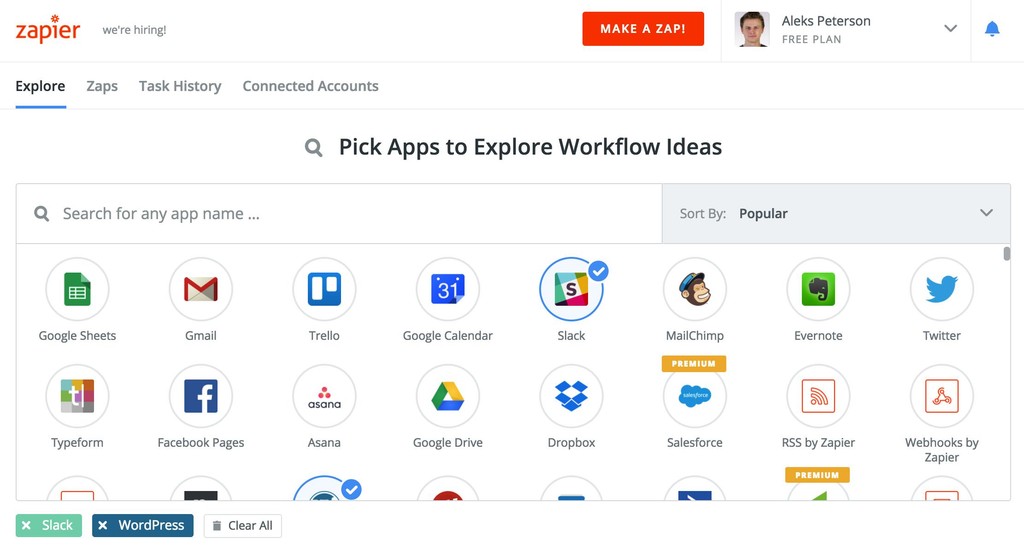
Zapier can help to connect all your supported apps. You can create Zaps.
Some useful Zaps include:
- Automatically adding form submissions into a spreadsheet.
- Creating tasks when certain emails come in.
- Automatically sending notifications when a new customer enquiry comes in.
- Connecting your supported scheduling and CRM tools.
- Updating information when certain events happen.
Why use it? It helps to reduce repetitive admin tasks. It also helps you to move information between apps.
Disadvantages: Not everything should be automated. Complex automations can be tricky to sort out. Some connections and higher usage may cost money.
Best for: Founders who complete the same admin tasks across multiple apps.
Start with one repetitive process. Automate it and test it works. Once you know it’s reliable, you can add more.
7. Organise Your Business Documents
Your important business information shouldn’t be hard to find.
Keeping your contracts, invoices, proposals, marketing images, financials and product information all in one place will help. Using a cloud-based file management tool will help.
Google Drive
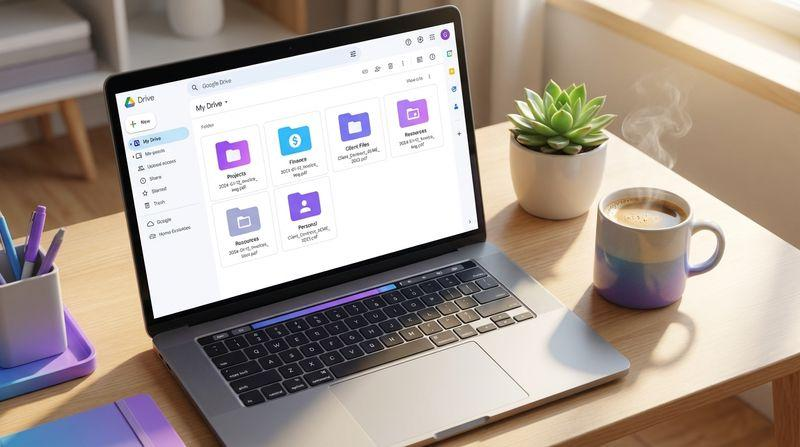
Google Drive can help you store, organise and access your files on your supported devices.
A simple folder structure for your small business could be:
My Business
- 01 – Administration
- 02 – Financials & Invoices
- 03 – Clients & Projects
- 04 – Marketing & Content
- 05 – Products & Services
- 06 – Legal
- 07 – Business Planning
Why use it? It will help you quickly find your important documents. Being on the cloud means you can easily work across devices.
Disadvantages: If your permissions aren’t well managed, then confidential information could be shown. You should ensure you have secure accounts, permissions and backups for your cloud.
Best for: Founders who deal with contracts, financials, client information and business documents.
A great habit to get into is saving new documents into the right folders.
8. Online Booking Tool
If you regularly speak with clients, suppliers, consultants or potential business partners, then you may find that scheduling meetings can take up a surprising amount of time.
Going back and forth in emails can cause disruptions and make your calendar complicated.
Calendly
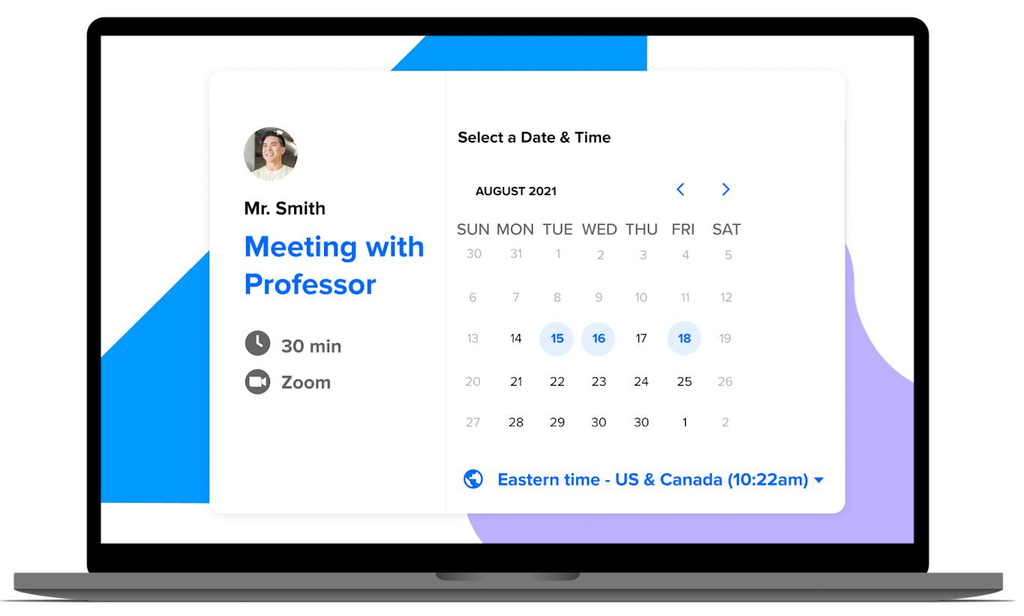
Calendly will allow you to share your availability. Others can book a time that suits them.
Useful features include:
- Share your booking link.
- Set your available times.
- Create different appointment types.
- Connect to your supported calendar.
- Set limits and buffer times.
- Send confirmations and reminders.
Why use it? It will help reduce admin.
Disadvantages: Some advanced booking features and connections may cost money. If you don’t regularly book external meetings, then it may not be needed.
Best for: Consultants, coaches, service providers and founders who regularly book client calls.
9. Simple Notebook

Not everything you need to think about for your business needs to be in an app.
Sometimes it can be easier to write down your ideas, plan your business processes, product or difficult decisions.
Having a physical notebook can also help you avoid distractions.
Rocketbook Core
Rocketbook Core is a reusable notebook. It allows you to write notes and organise your digital notes.
Why use it? It can help you brain dump. It can help with organising your handwritten business notes. It also allows you to save your handwritten notes digitally. It also means you won’t need to buy traditional notebooks.
Disadvantages: You will need compatible writing tools. If you like to type your notes, then this may not be needed.
Best for: Founders who like to handwrite their ideas but want to save important notes.
Check Price on Amazon
10. Useful Desk Organisation Tools
Although digital organisation is important, it’s also important to have a good physical setup. If your desk is messy, it can make it harder to find your documents, tools and equipment.
Using a few useful tools can help.
Logitech MX Keys S
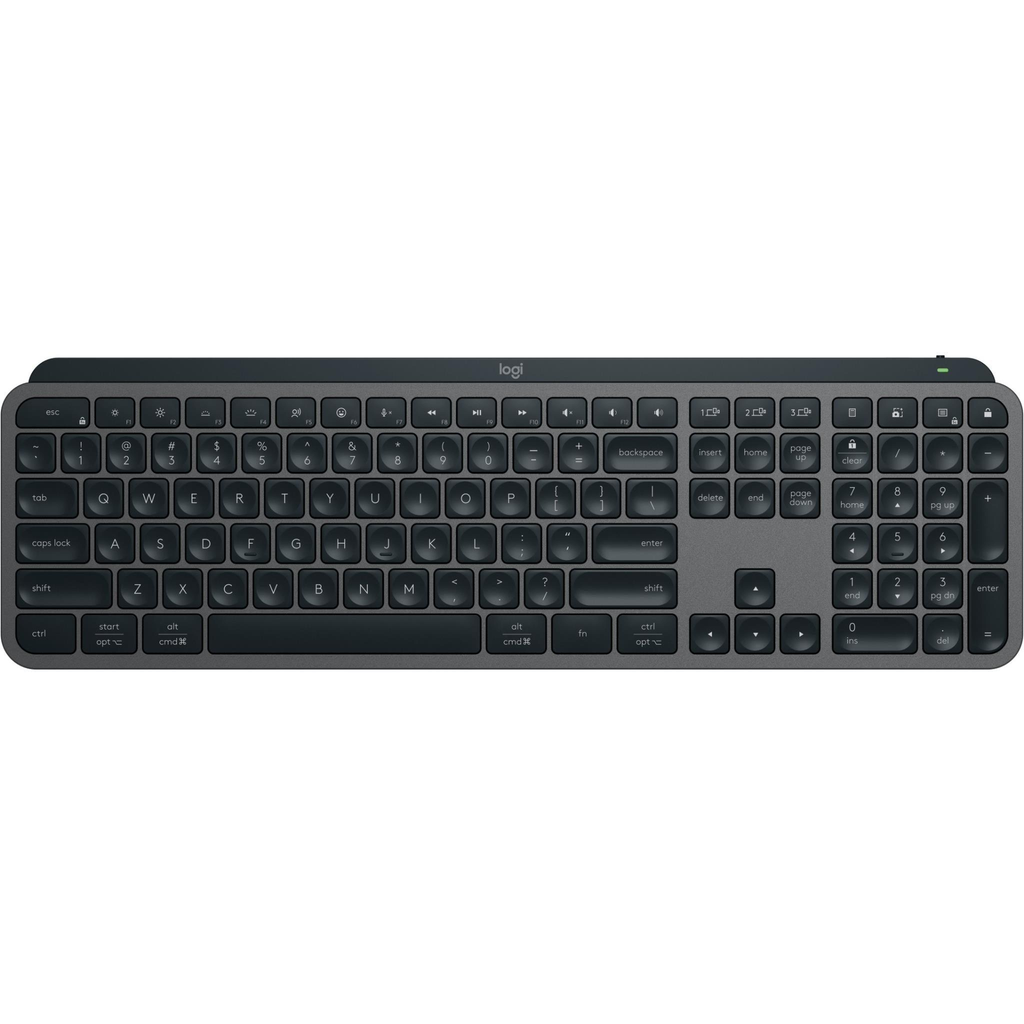
A wireless keyboard which can help you with your desktop. The slim design, backlit keys and shortcut keys can help if you’re frequently using your computer.
Advantages: Slim keyboard, backlit and can be used with multiple devices.
Disadvantages: Can be expensive. If you don’t use your computer much, the advanced features may not be needed.
Best for: Founders who spend a few hours a day writing, managing documents and using their computer.
Brother P-touch PT-D210
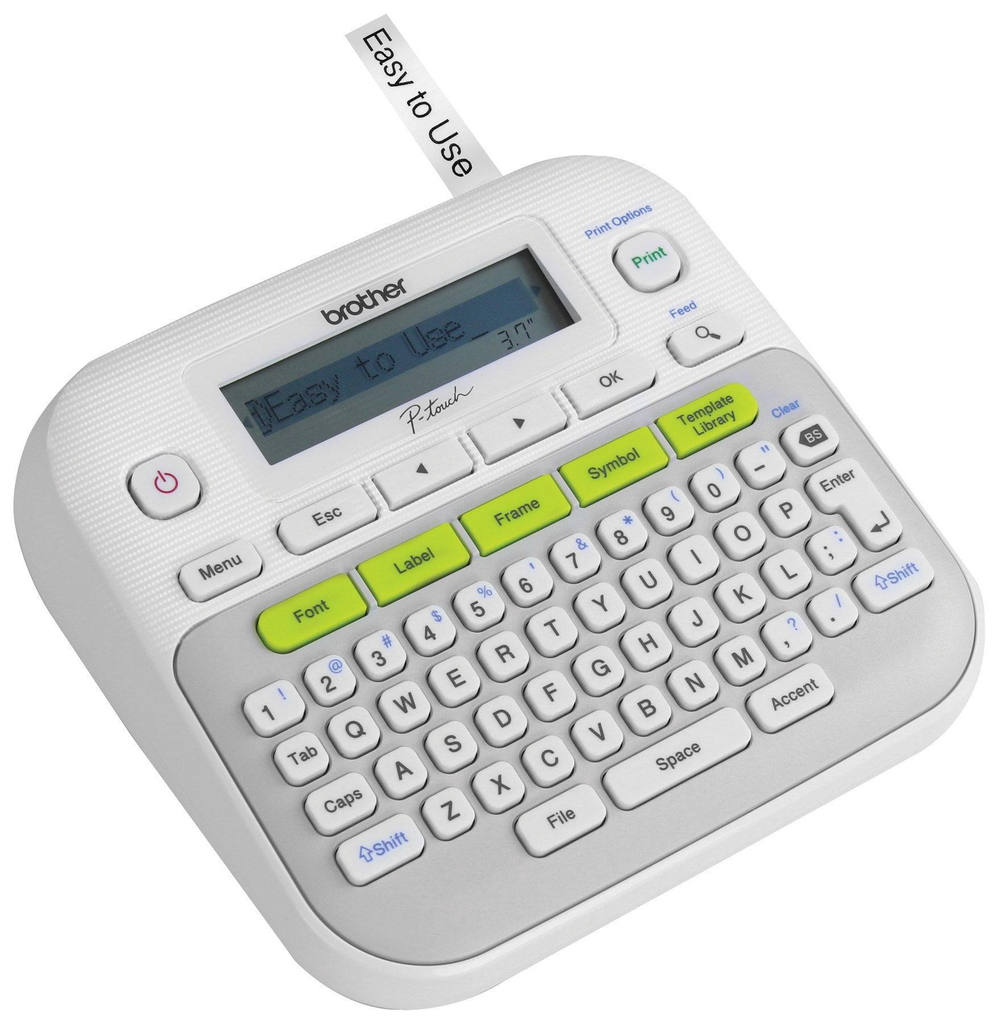
A small labelling machine. Can help you label your document folders, storage boxes, cables and office supplies.
Advantages: Has a dedicated keyboard, customisable labels and useful organisation tools.
Disadvantages: You’ll need compatible label tape. Labels need to be applied manually.
Best for: Founders who have physical documents, stock, office equipment or storage.
Rocketbook Core Reusable Notebook
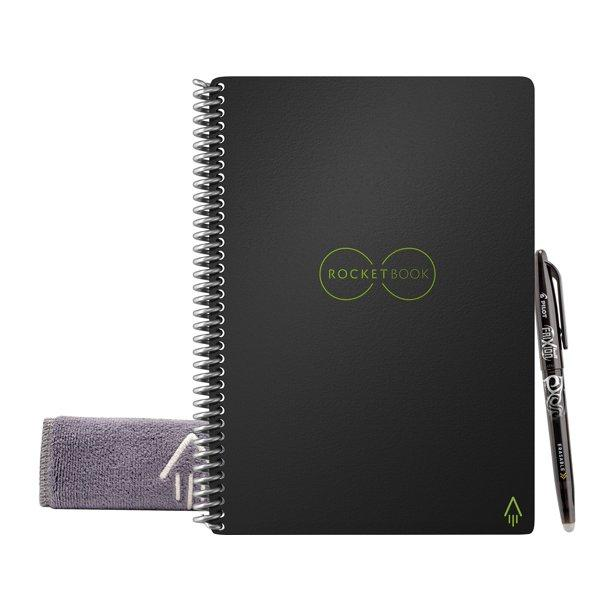
A reusable notebook. Can be used to brain dump, take meeting notes and plan.
Advantages: Reusable pages. Can save your handwritten notes.
Disadvantages: You’ll need compatible pens. Extra steps needed to digitise your notes.
Best for: Those who like to handwrite but want to save their notes.
Logitech MX Keys S Combo

A keyboard and mouse combo. Can help you if you want compatible desktop tools.
Advantages: Wireless setup. Keyboard and mouse have productivity features.
Disadvantages: Can be expensive. May have duplicate equipment.
Best for: Founders who want to set up a dedicated workstation.
These are optional. Only choose what you need to fix any issues you have.
11. Password Manager
Having your login information organised will help. As a sole founder, you may have lots of tools to log into. This could include your email, cloud, website hosting, payment platforms and social media.
If you reuse passwords or have them in an unsecured document, then this can cause avoidable security issues.
1Password
1Password is a password manager which will help you keep your login information organised.
As a founder, you can use this to manage:
- Login details for your business apps.
- Website administration.
- Secure notes.
- Login details for payment platforms.
- Shared login details for authorised collaborators.
Why use it? It will help you have one place to manage your login details. You won’t have to remember them or have them in an unsecured spreadsheet.
Disadvantages: It’s a paid tool. You’ll still need to keep your main account secure. You’ll also need to have good recovery options.
Best for: Founders who have multiple business accounts to manage and want a more organised way to manage passwords.
Always use unique passwords and enable multi-factor authentication where possible.
12. Weekly Review
No matter how organised you are, if you don’t regularly review your tools, then they won’t be much use.
Having a weekly review will help you understand what you’ve completed, what you still need to do and what to prioritise.
This can be done using Notion, Todoist, Trello or even a simple spreadsheet.
A simple weekly review could include:
| Area to review | What to consider |
|---|---|
| Projects | What progress have I made? What still needs to be done? |
| Tasks | What important tasks need to be completed? |
| Clients | Any unanswered questions? |
| Financials | Have my invoices and expenses been recorded? |
| Marketing | Have I prepared any upcoming content or promotion? |
| Scheduling | Are my priorities for next week realistic? |
| Systems | Is there any repetitive task I could simplify? |
Try to keep your review simple.
The aim is to finish with a clear understanding of what you need to do next.
13. Keep It Simple
A common mistake sole founders make is signing up to multiple productivity tools.
It can be tempting to sign up to a task manager, project manager, note-taking app, scheduling tool and automation tool.
Eventually, it can become difficult to manage your tools.
A better idea is to create a simple system for your business. Focus on a few key areas.
If you don’t like using Notion, you could use Trello instead. If your business is simple, then you could just use Todoist.
Don’t have duplicate information across multiple tools.
14. Have a Consistent Daily Routine
Using tools will be much more useful if you have a consistent routine.
An example of how a sole founder could structure their day:
Morning
- Check Google Calendar and Todoist.
- Pick 3 priorities for the day.
Focus Time
- Complete your most important business project.
- Avoid getting distracted by small admin tasks.
Communication
- Check messages from clients.
- Respond to important emails.
- Schedule follow-ups.
Admin
- Update your business documents.
- Record any relevant expenses.
- Complete any regular tasks.
End of Day
- Update any completed tasks.
- Reschedule any incomplete tasks.
- Prepare for tomorrow’s priorities.
This doesn’t need to be done at set times. The aim is to have a consistent routine. This will help to reduce any extra decisions.
FAQs
1. What are the best tools to help sole founders stay organised?
Notion, Todoist, Google Calendar, Trello and Google Drive are all useful tools. Which is the best will depend on how complex your business is and what type of work you like to do.
2. Should sole founders use a project management tool?
Not necessarily, but it can be useful if you have multiple projects, deadlines and tasks to manage.
If you don’t have a heavy workload, then a simple task manager may be enough. If your projects have multiple stages or recurring processes, then a visual project management tool can be more useful.
3. What is the best free tool to help organise a small business?
Google Calendar, Google Drive and individual plans from Notion and Todoist are all useful places to start.
Always check what the current plan includes to make sure it’s suitable for any important processes in your business.
4. How can sole founders manage multiple tasks?
Break your tasks into categories. Have projects, admin, client communication, marketing and personal tasks.
Have a task list, focus time and regularly review your priorities. Don’t try to complete everything.
5. How many productivity tools should sole founders use?
There’s no set number, but it’s often a good idea to start with 3–4 key tools.
- One for tasks.
- One for notes.
- One for scheduling.
- One for file storage.
Once you’ve hit a problem that your current system can’t solve, then add more tools.
6. Are paid productivity tools worth it?
They can be if they’re helping to save you time. However, in the early stages of your one-person business, free tools will often be enough.
Regularly check how much you’re paying for subscriptions and cancel any that aren’t providing real value.
7. What physical organisation tools can help sole founders?
Some useful organisation tools would be:
- Reusable notebook.
- Comfortable keyboard.
- Label maker.
- Desk organisation tray.
- Whiteboard.
While these are helpful tools, not every founder will need them.
8. How can automation help sole founders?
Automation can help you deal with repetitive tasks. For example, moving form entries, setting reminders, sorting customer enquiries and sending alerts.
Tools like Zapier can help link together compatible apps, helping you avoid doing admin manually.
However, you will need to regularly check that your automation is still working.
Final Thoughts
When running a business on your own, it is very important to have an efficient system for keeping track of information, tasks, deadlines and daily operations.
Using the correct tools will help simplify tasks.
Start by having a central place to work from, an efficient task manager, calendar and organised documents. Once you get into a routine, add in time tracking, automation and physical organisation tools for your desk if they are actually solving a problem.
Most importantly,
Your productivity should not be based on how many apps you have.
But rather how efficiently you are managing your tasks, making decisions and progressing your business.
A simple system that you use regularly will help you much more than a complex toolset that you do not often use.